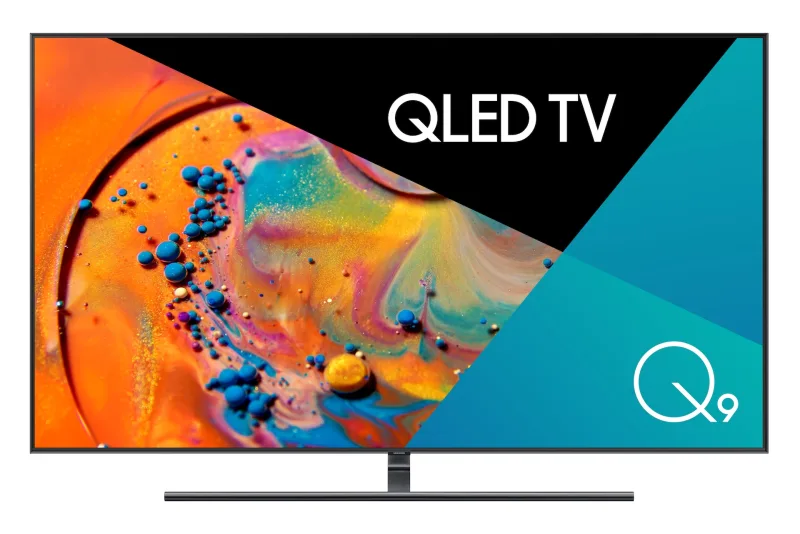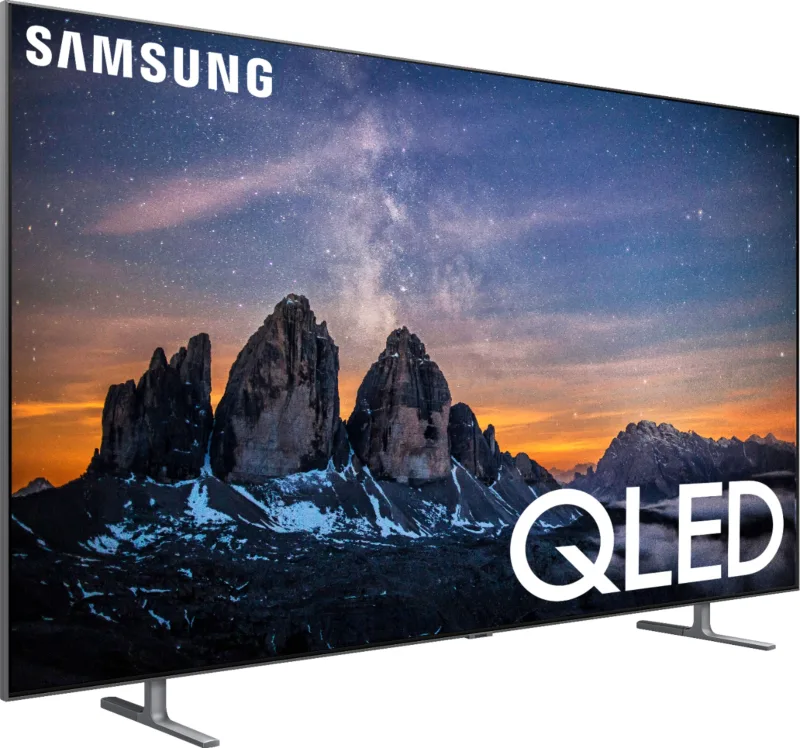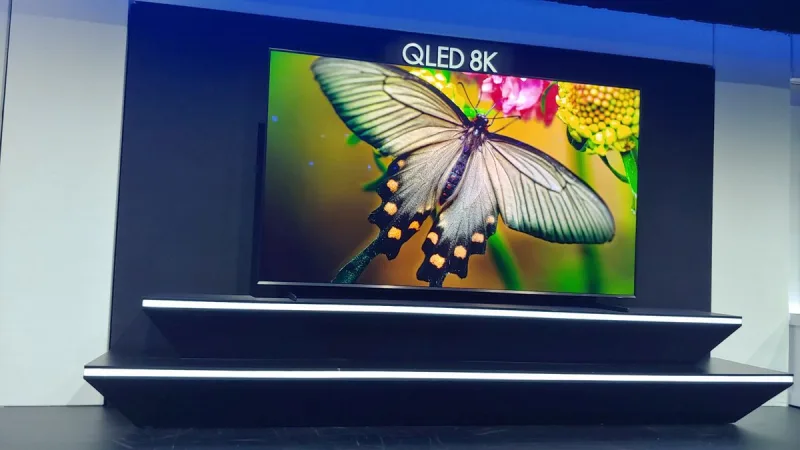
Samsung QLED 8K Q9 Series (2019)
TVs · Entertainment
Where to buy
Store searches look up “Samsung QLED 8K Q9 Series (2019)” at each retailer. Availability and prices vary by region; check that the model you buy says it works with Apple Home or Matter.
Not in ReReHome
It supports AirPlay 2, so you can stream to it from an iPhone, iPad or Mac, but it can’t be added to the Home app, so ReReHome can’t switch it on or off, change inputs or show its remote. Homebridge can add it, though; see below.
Bridge it with Homebridge
Works with Homebridge
Samsung TV support is the strongest of any AirPlay-only brand. Samsung Tizen TV is a verified plugin for every Tizen set from 2017 on, and it covers Art Mode on The Frame. The TV has to be on the same subnet as Homebridge. A free SmartThings link adds HDMI input switching and picture modes. Reports are mostly good, with a few sets that drop power state or fail to pair.
- Samsung Tizen TV
homebridge-samsung-tizenLocal network, 2017 and later: power, inputs, apps, volume, remote, Art Mode. - SmartThings TV
@o-lukas/homebridge-smartthings-tvThrough your SmartThings account: power, inputs, volume, picture and sound modes. - SmartThings OAuth
homebridge-smartthings-oauthBrings every SmartThings device across, TVs included.
Once Homebridge adds the TV to the Home app, ReReHome controls it like any other TV.
Sources
Compatibility notes
- AirPlay 2 only: Apple Support 104998 (2026-03-03) says Samsung AirPlay TVs don't support HomeKit and can't be added to the Home app.
- Apple's accessory page listed this product from 2019-05-16 to 2021-03-03 (Wayback Machine snapshots, section “AirPlay 2–Enabled TVs”); it is not on the current page. Apple does not say why a product leaves the list, and many remain in use.