Your home, on Apple TV. Every room, scene and control from the couch. Lights, climate, locks and cameras, all with the Siri Remote.


ReReHome
ReReHome puts every control in your home at your fingertips. Even the ones other apps miss. The vacuum’s rooms. The dishwasher’s cycle. The third tilt axis on your blinds. On iPhone, iPad, Mac, Apple Watch, Apple TV and Apple Vision Pro.
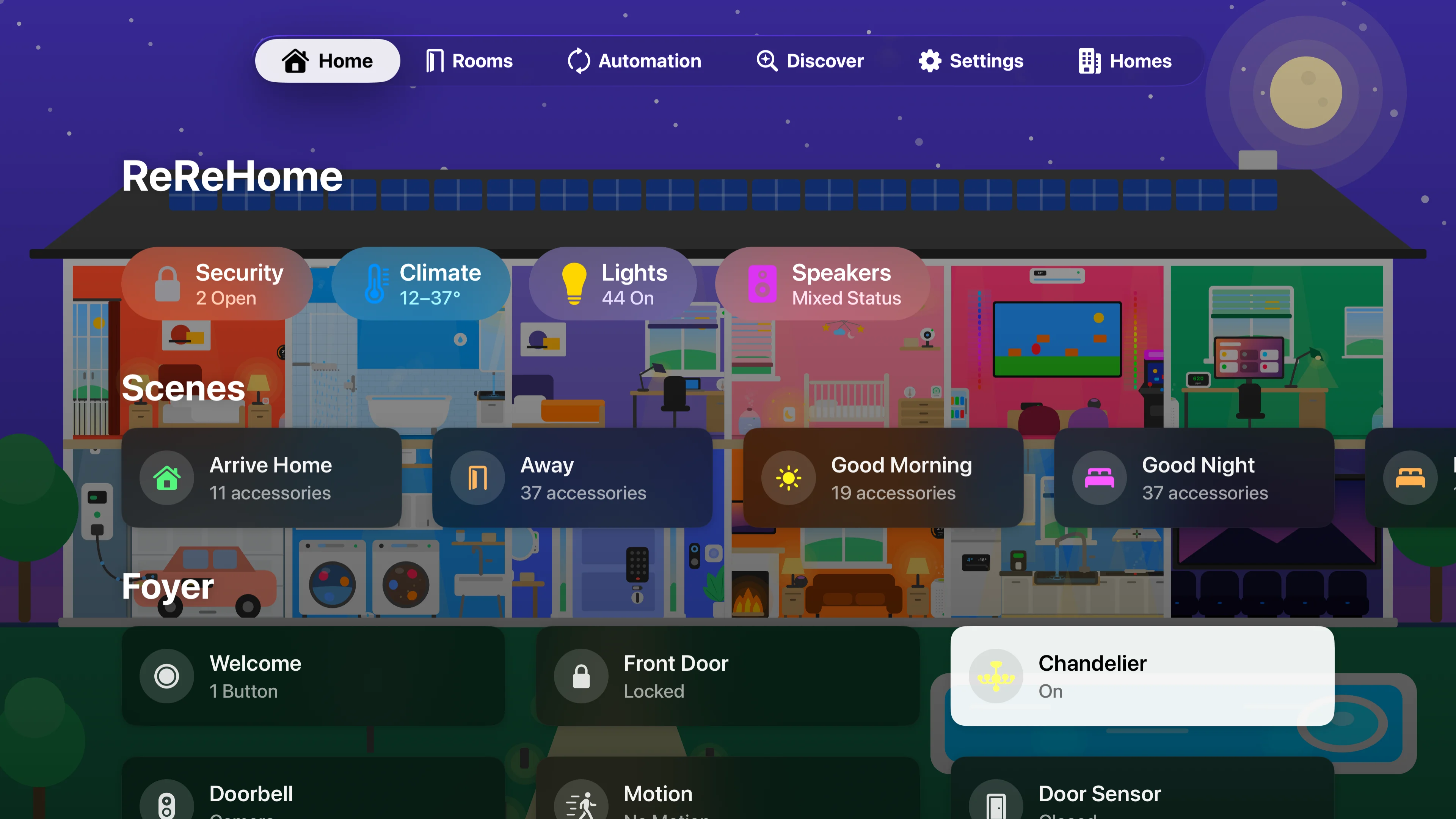






Your home, on Apple TV. Every room, scene and control from the couch. Lights, climate, locks and cameras, all with the Siri Remote.
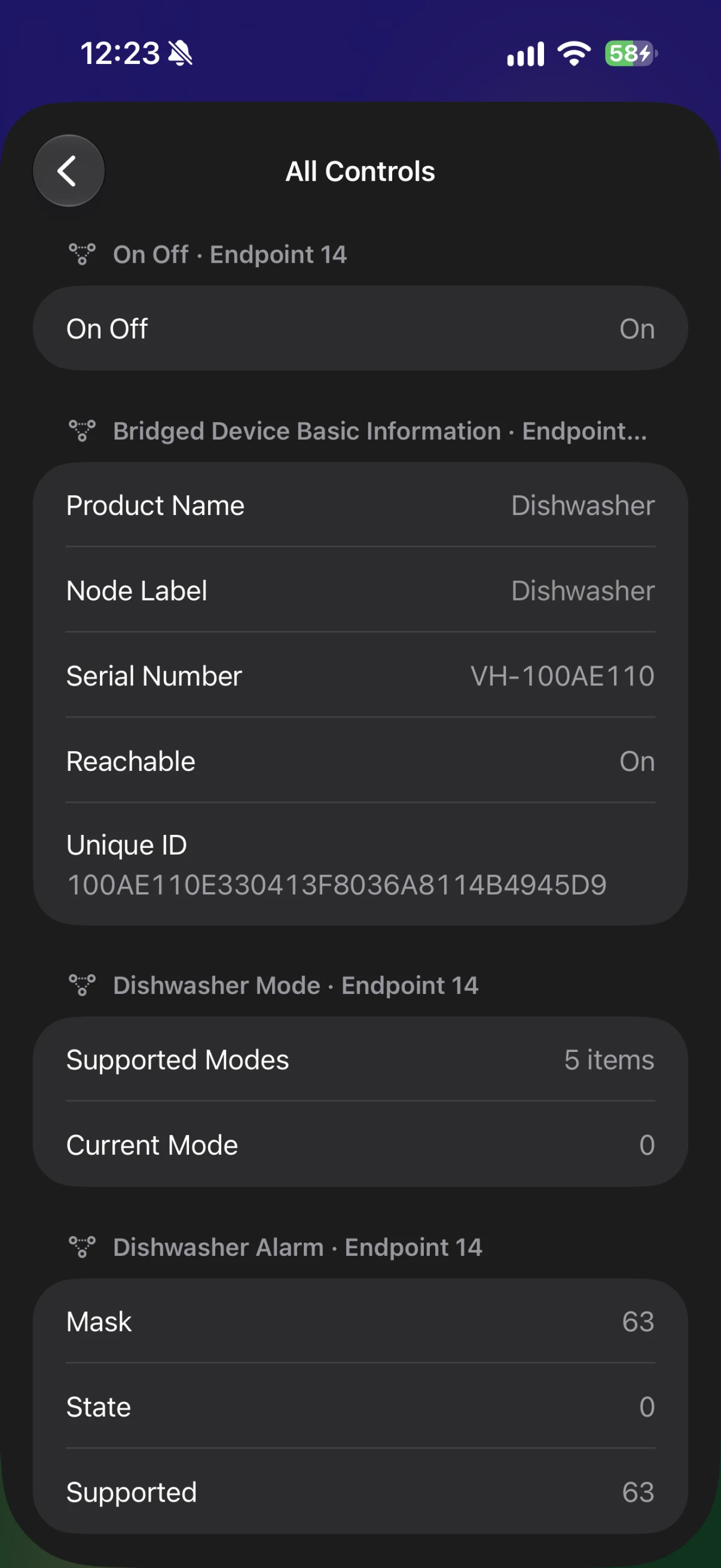
Every control. Every attribute. If an accessory has a setting, ReReHome can change it.
Light, exactly right. Color, temperature and brightness. All in one place.

Clean, room by room. Pick the rooms. Watch the progress. Skip ahead or send it home.

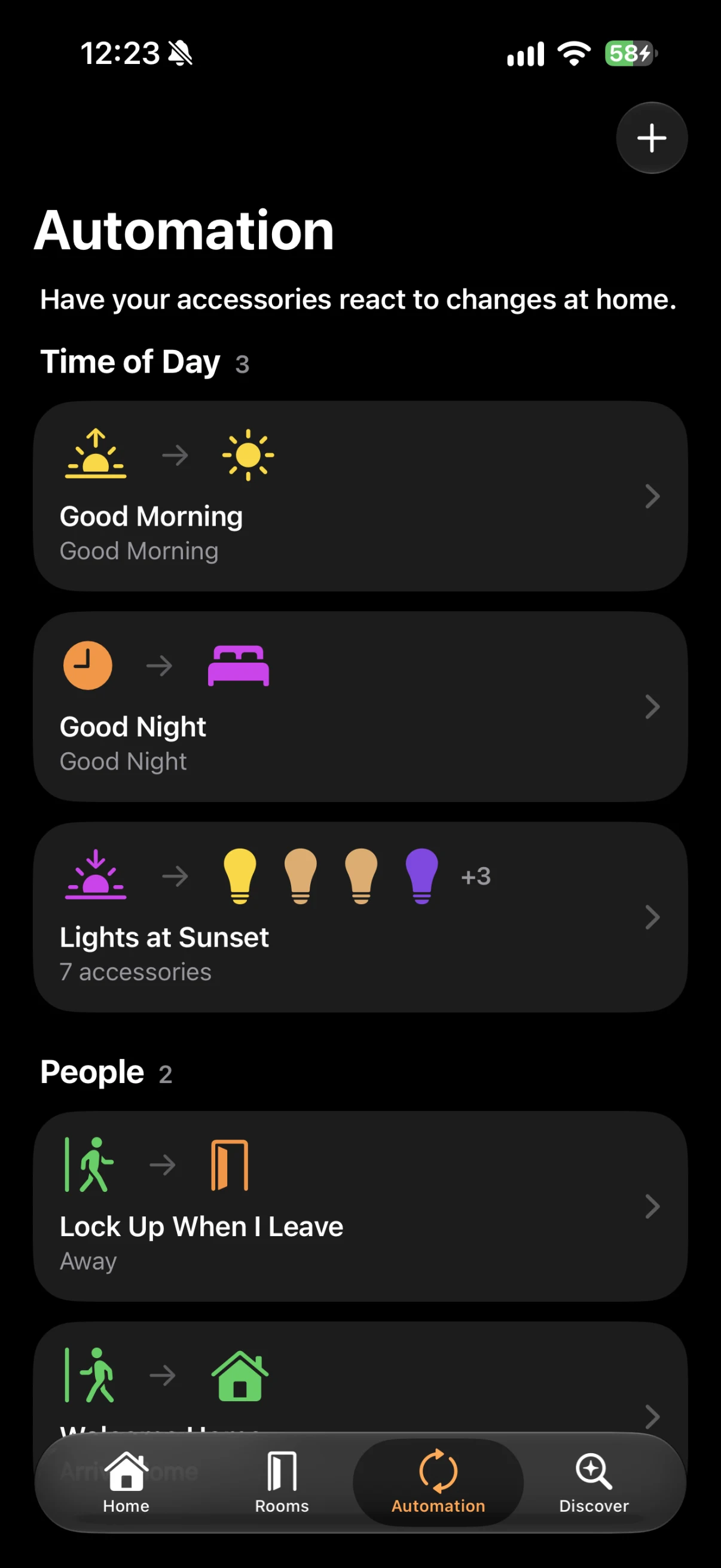
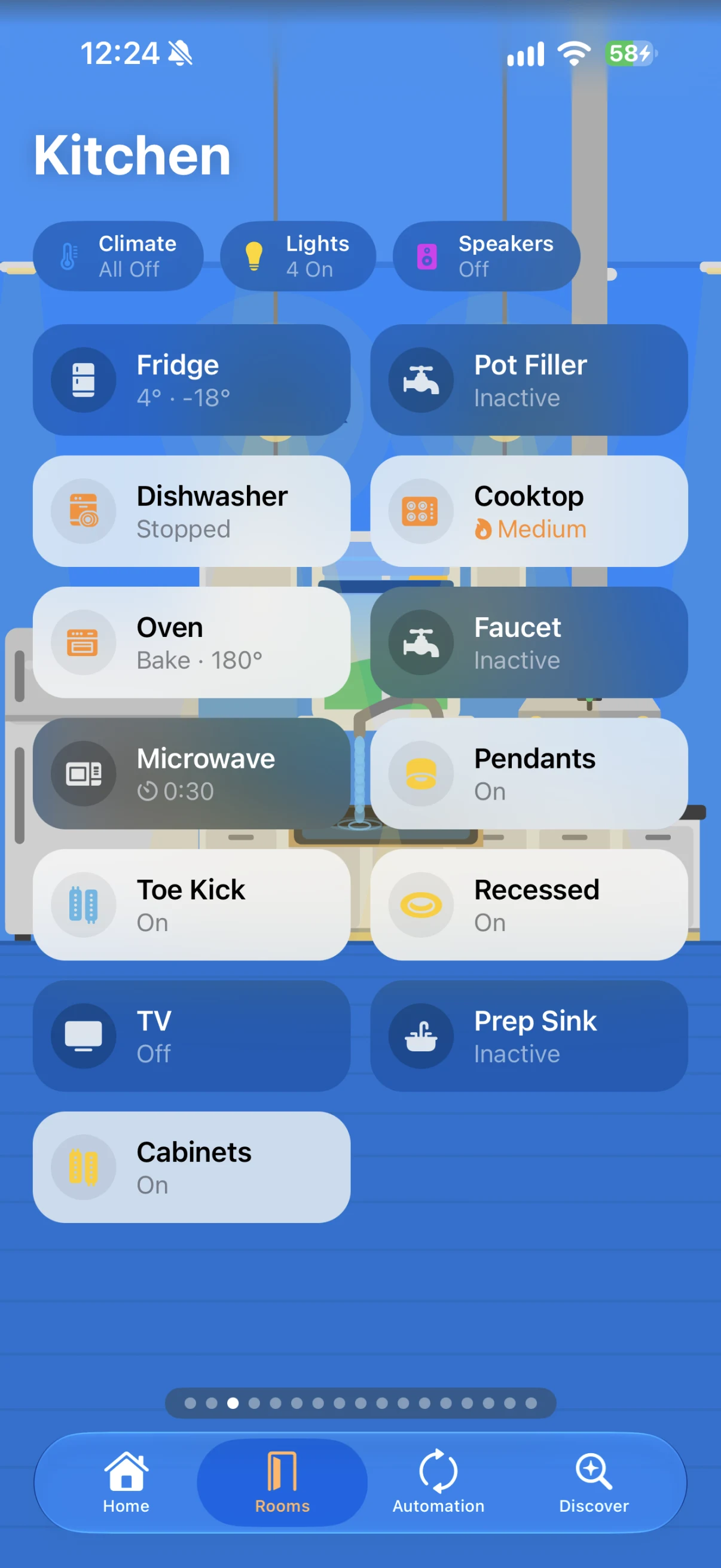
Automations, explained. A plain‑language summary tells you exactly what each one does.
Your home. On your wrist. Locks, scenes and climate on Apple Watch. Complications, too.

Take a closer look
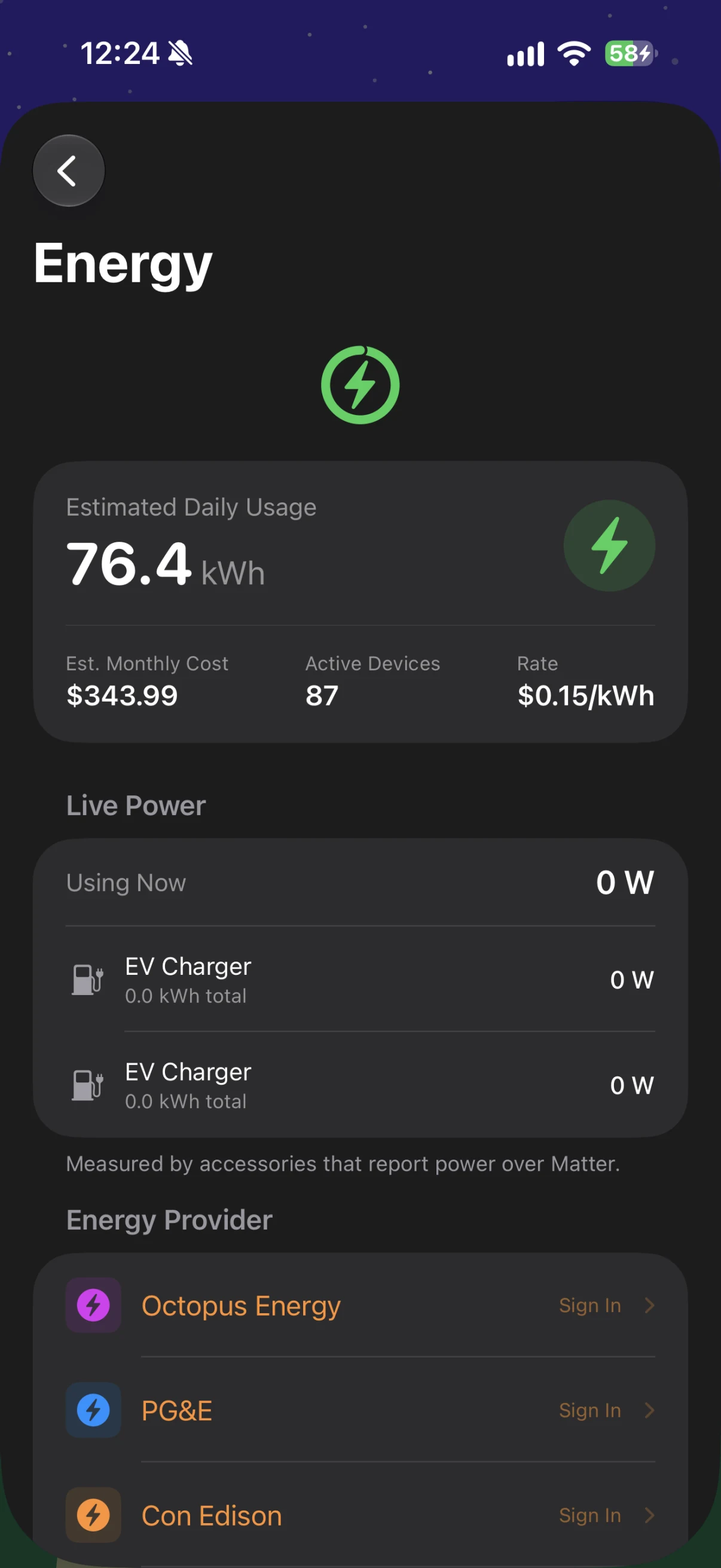
Status pills at the top of Home tell you what’s on, open, unlocked or running. Tap one to see just those accessories.
Filter by category. Arrange rooms your way. Give any accessory its own symbol or emoji. And set a wallpaper for every home.

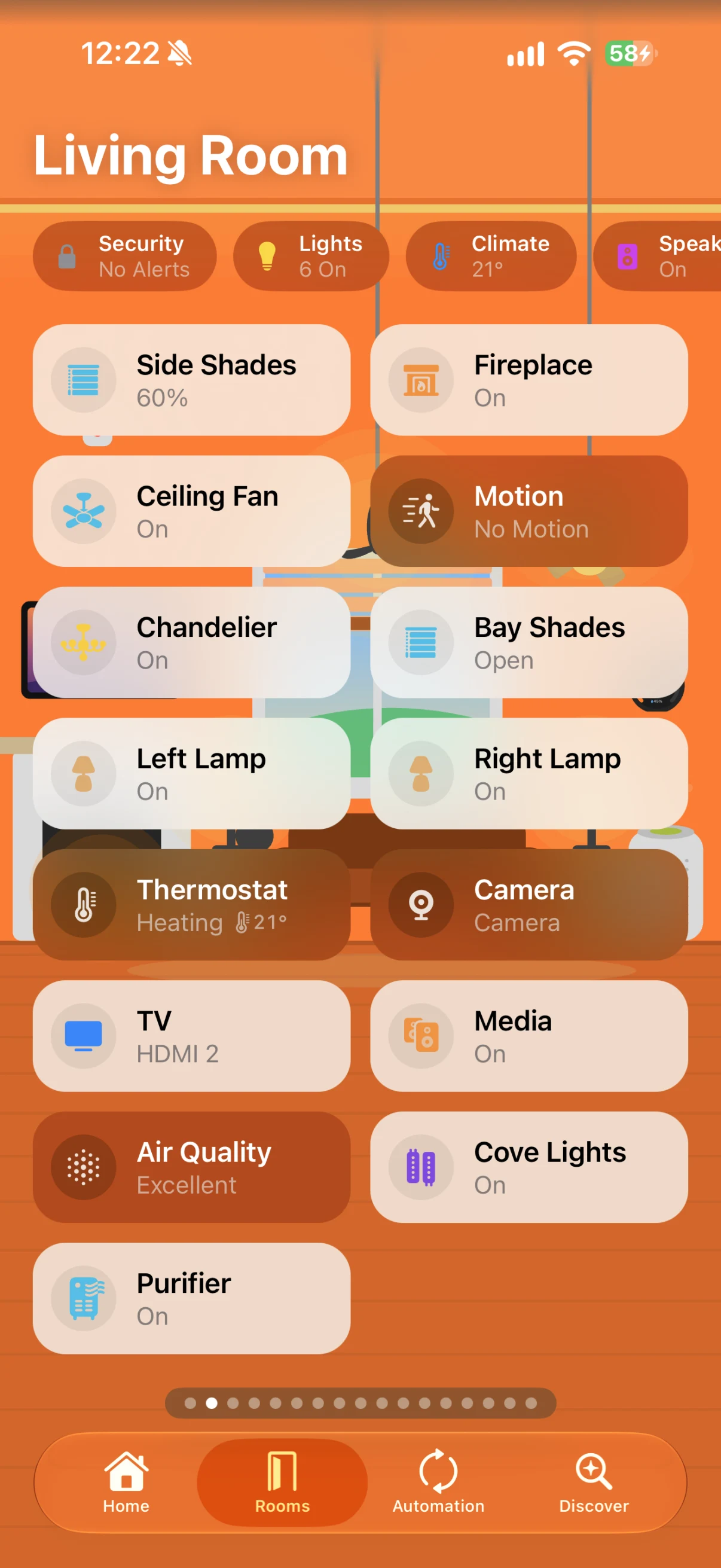
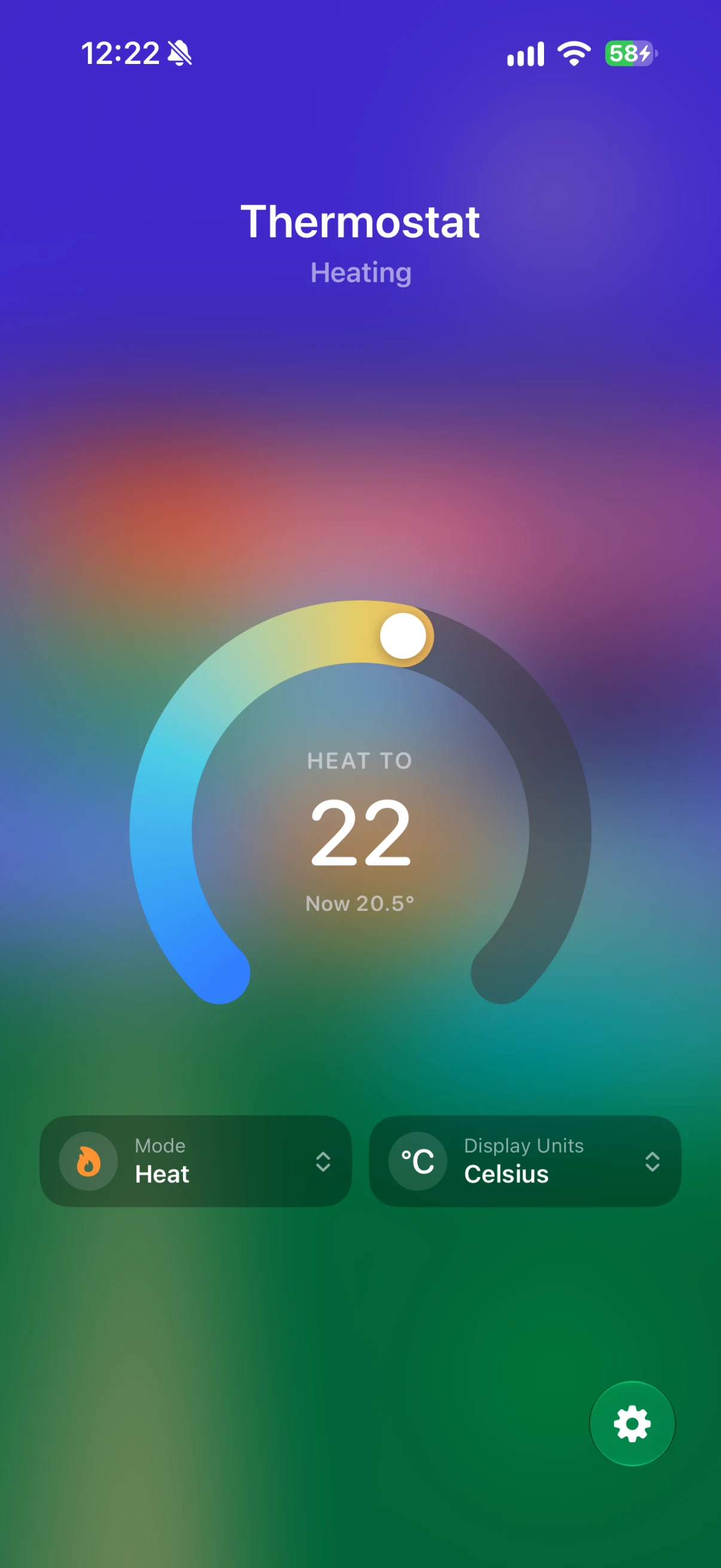
Thermostats get a dial. Lights get swatches. Blinds get every tilt axis. And your TV gets its inputs, in the same order as the Home app, plus a full remote.

Matter
ReReHome speaks to Matter devices through the controller your home already uses, so it reaches the settings other apps don’t. Appliance cycles. Laundry settings. Oven temperatures. EV charging. Live power. Not just on and off.


Automations
Start with any of six triggers: a time of day, sunrise, sunset, arriving home, leaving home or an accessory changing. Any setting can be the trigger or the action.
Switch them on or off from Control Center. And when one gets complicated, an on‑device summary spells it out in plain language.
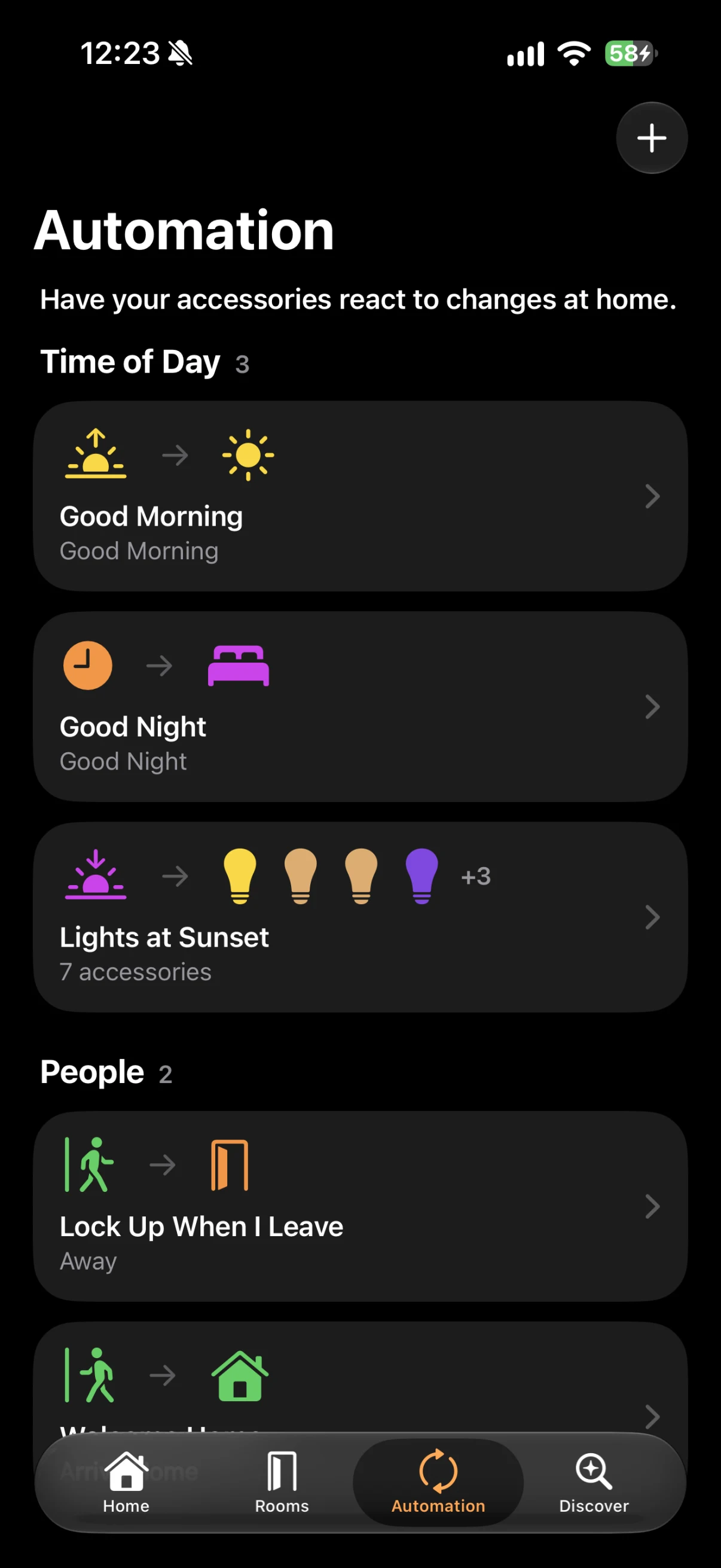

Estimates for every accessory. Live power and energy from Matter outlets and meters.
Accessories in the catalog
3,340
Every product that works with Apple Home. And exactly how each one connects.
Snapshots, live view and two‑way audio. And a ring the moment someone’s at the door.
Group accessories across rooms and control them as one. Synced with iCloud.
Give everyone exactly the controls they need. Everywhere, including Control Center.
Finds HomePod, Apple TV and AirPlay speakers on your network, sorts them into rooms and shows what’s playing.
Every change in your home, and when it happened. Searchable and filterable.
Any accessory, scene or automation in Control Center or on the Lock Screen. And a Live Activity to keep an eye on anything.
Everywhere
The same engine on every device. Each app designed for how you use it.
Everything. Plus widgets, Controls and Live Activities.
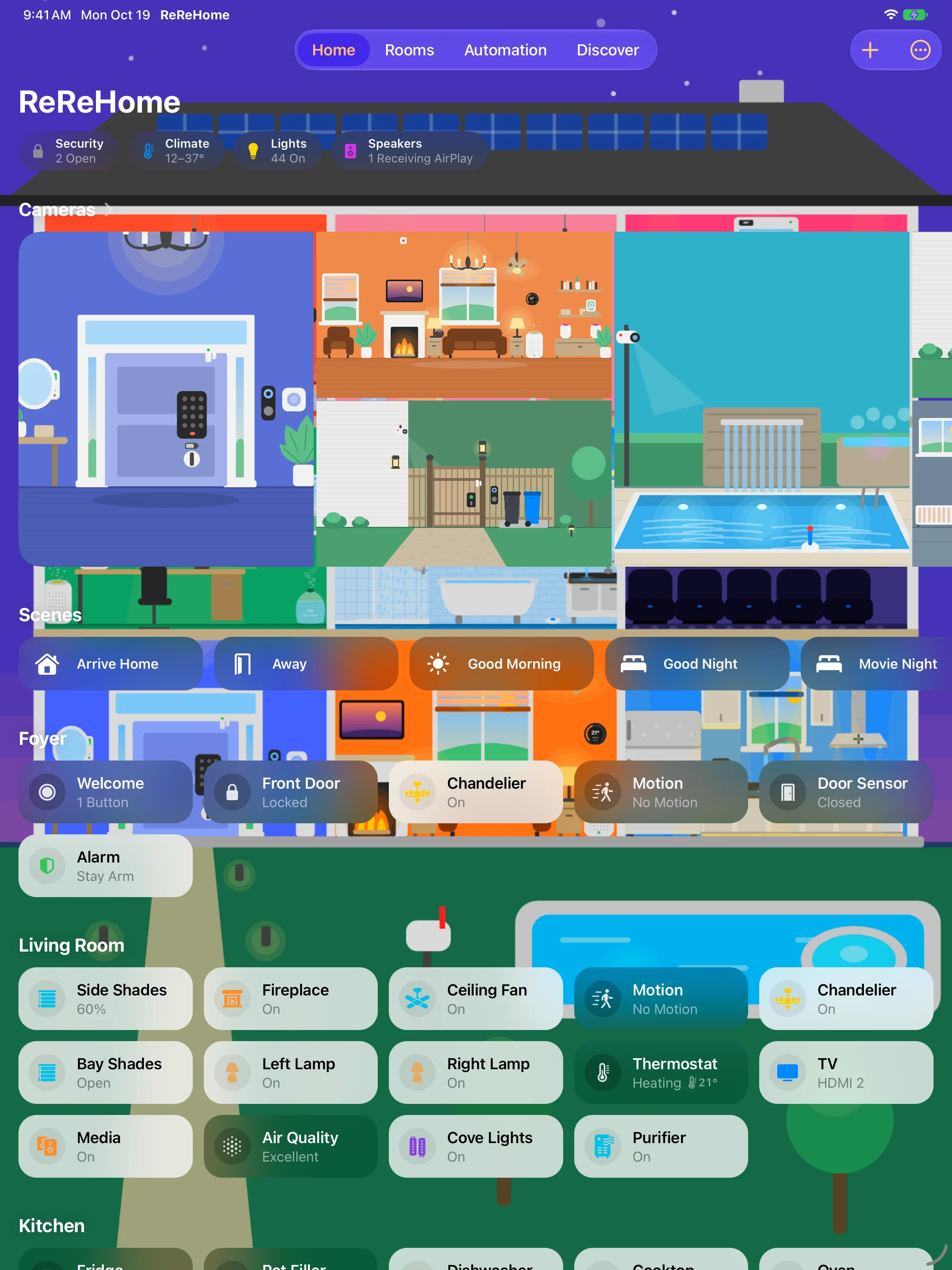
Room after room on the big screen. Full automation editing, too.
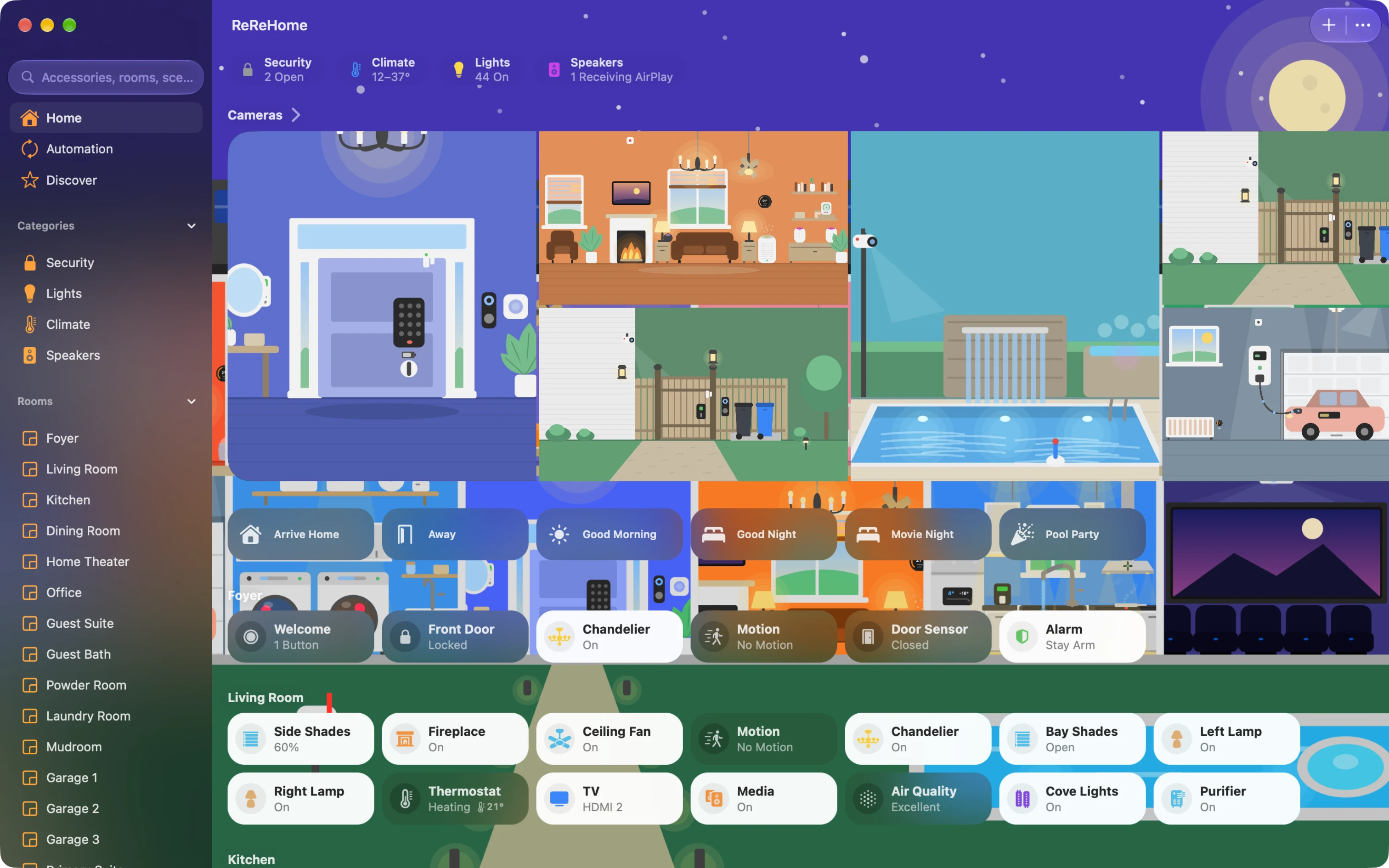
Your whole home, right on your desktop.

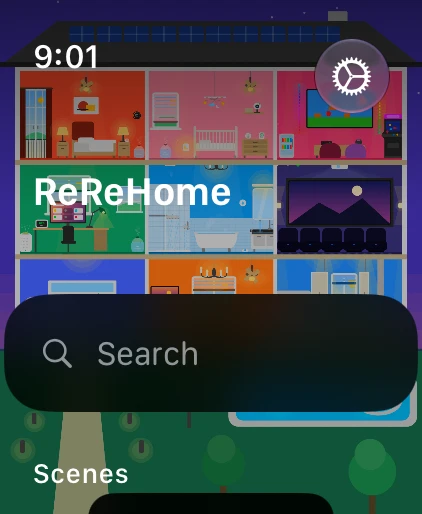
Favorites, scenes and quick controls. With complications.
Run the house from the couch. Automation edits hand off to your iPhone.

Controls that float wherever you need them. Create and edit automations, too.

Discover
Ideas and accessories for a home that’s more comfortable, more convenient and more secure.
Bulbs, strips and fixtures that dim, change color and keep a schedule.
Make the switches on your wall, and anything you plug in, smart.
Thermostats, air conditioners and heaters that keep every room comfortable.
Cleaner, fresher air with purifiers, fans and humidifiers.
Motorized blinds, shades and windows that move with the sun.
Smart deadbolts and keypads that lock and unlock from anywhere.
Openers that close the garage from anywhere and say when something’s in the way.
Indoor and outdoor cameras, plus video doorbells.
Motion, contact, leak, smoke and more, filtered by what each one reports.
AirPlay speakers and receivers for music in every room.
Hubs that bring Zigbee and Z-Wave accessories in, and routers that protect your network.
Robot vacuums and mops that clean room by room.
Smart sprinklers and valves that water on a schedule.
Apple’s upcoming collection of thermostats, cameras, a doorbell and a lock.
Matter washers, dryers, dishwashers, ovens, EV chargers and energy meters.
TVs that work with Apple Home: inputs, volume, remote keys and picture modes.
Motorized doors and windows with position, hold and obstruction alerts.
Smart faucets, showers and water valves with run times.
Pools, cars, mowers and outlets: separate switches and sensors, shown as the one thing they control.
Plugins that bring non‑HomeKit accessories into Apple Home, and what people report about them.
The integrations HomeKit Bridge can share with Apple Home, and what people report about their devices.
ReReHome builds on the home you already have. No account required.
Accessories, rooms and automations live in your Apple Home. ReReHome reads and writes them there. Nowhere else.
Smart Groups, wallpapers and your activity log sync through your own iCloud account.
Automation summaries are generated right on your device by the built‑in language model.
See how every one of 3,340 accessories connects. Wi‑Fi, Thread, Bluetooth or a bridge. And what ReReHome can do with it.
Available now on TestFlight for iPhone, iPad, Mac, Apple Watch, Apple TV and Apple Vision Pro. Coming soon to the App Store.