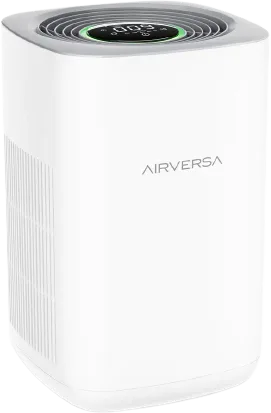
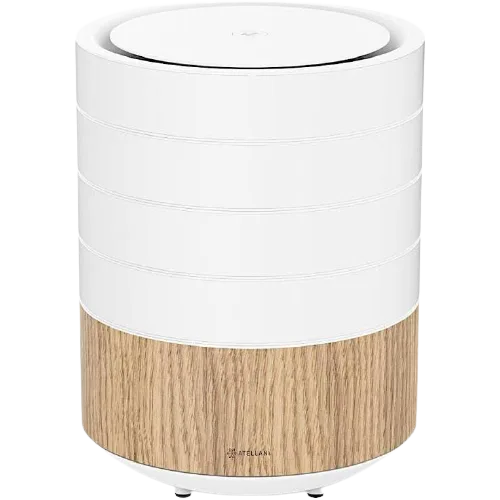
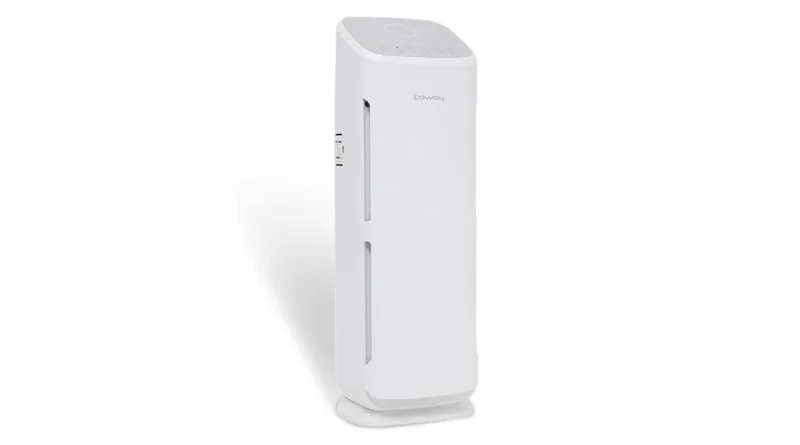
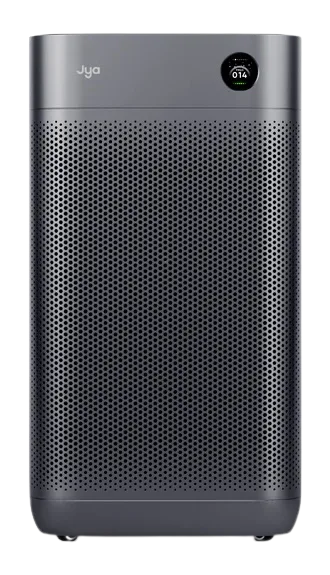
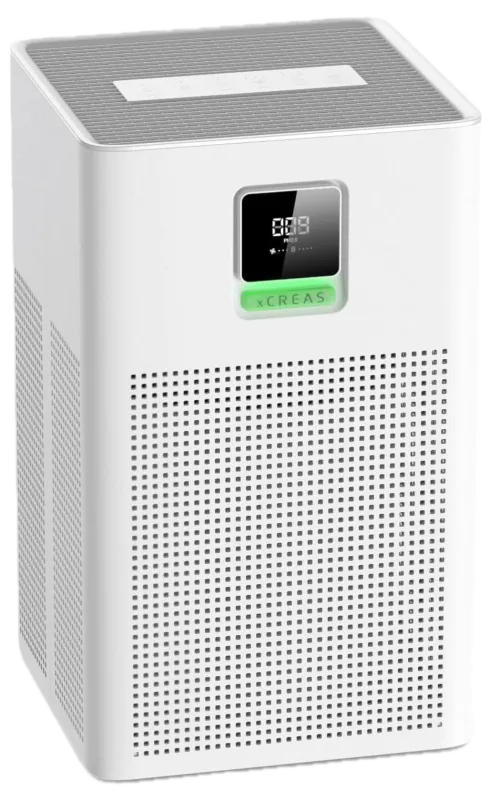
Air PurifierPurifying
PurifyingGoodPurifyingFairIdleExcellentIdleFilterExcellent
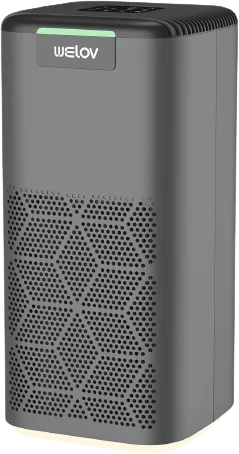
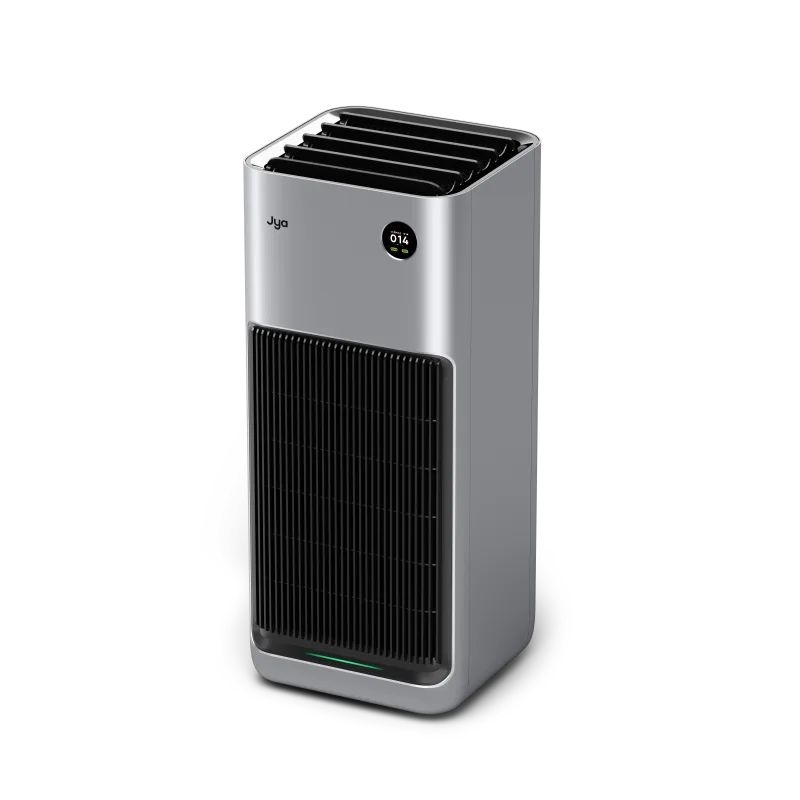
Purifying or idle, the air quality it measures, and a warning when the filter needs changing.
- Purifying
- Air quality
- Filter life
- Auto or manual
Air Purifiers & Fans
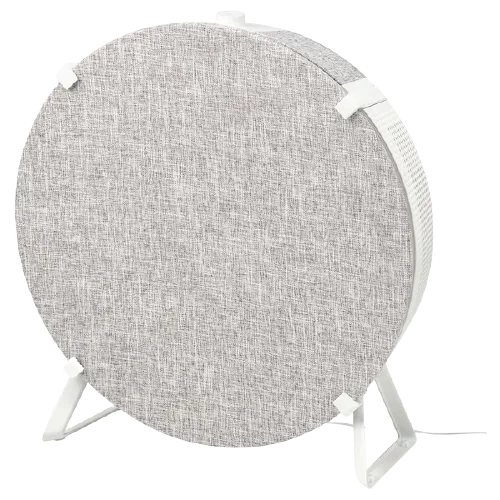
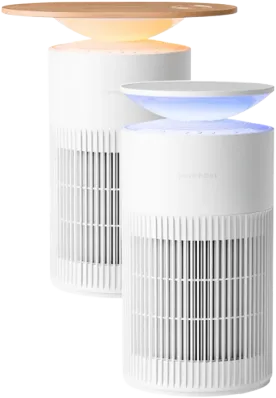
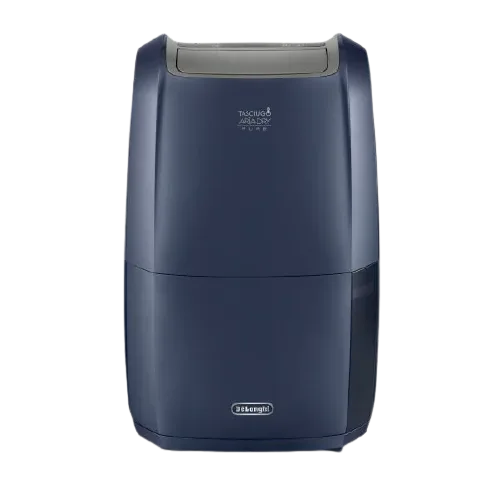
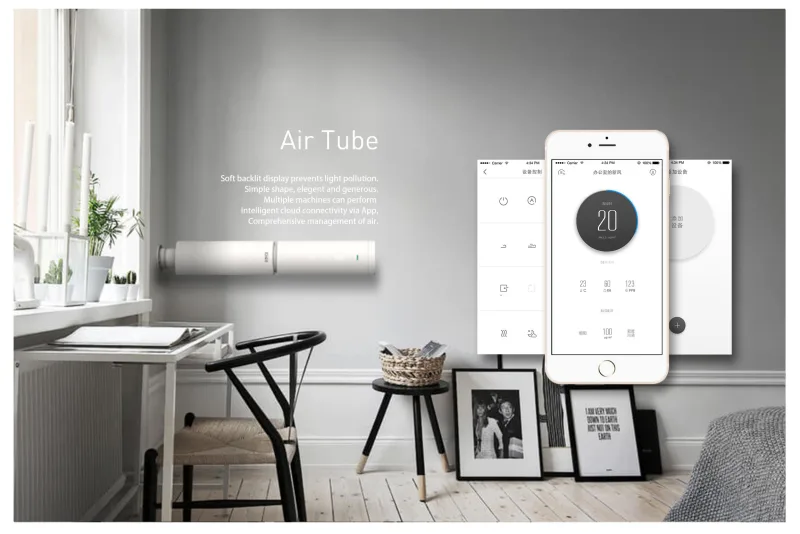
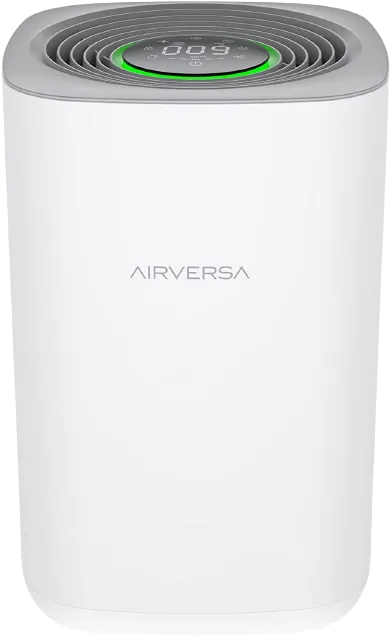
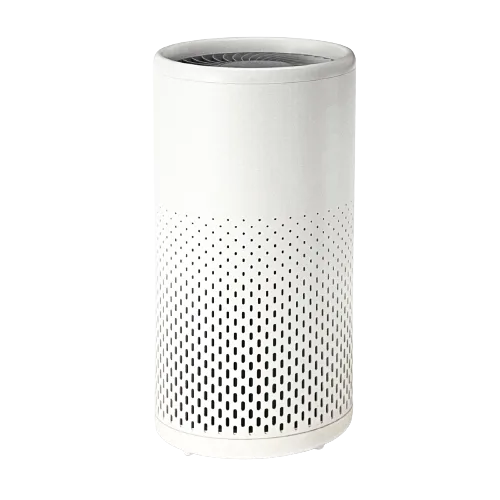
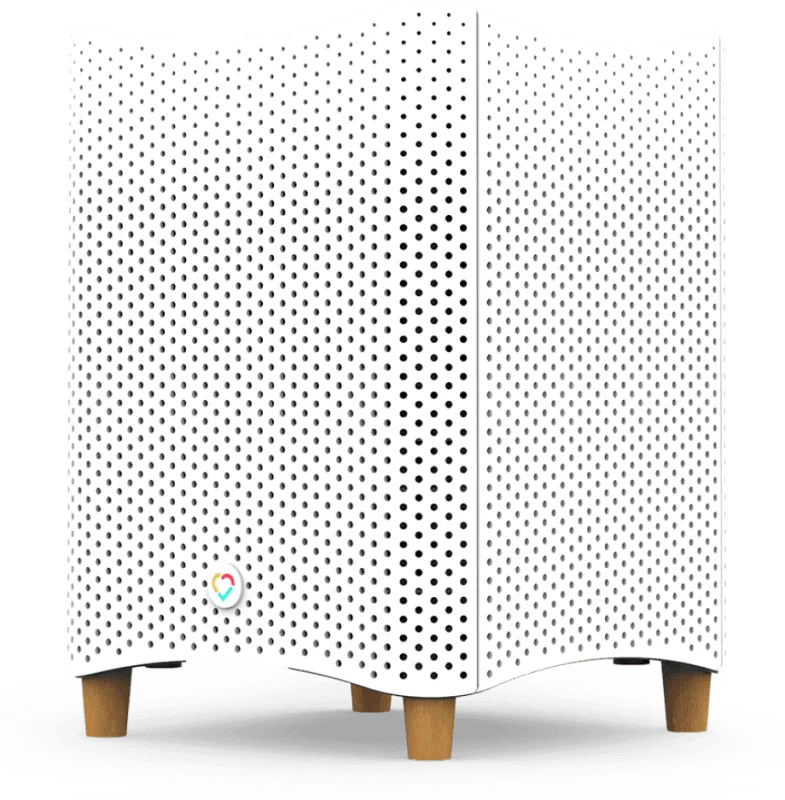
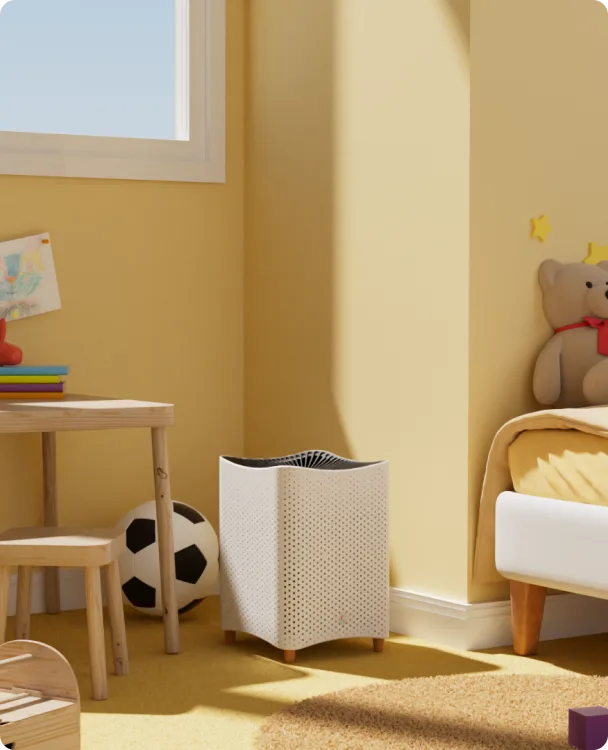
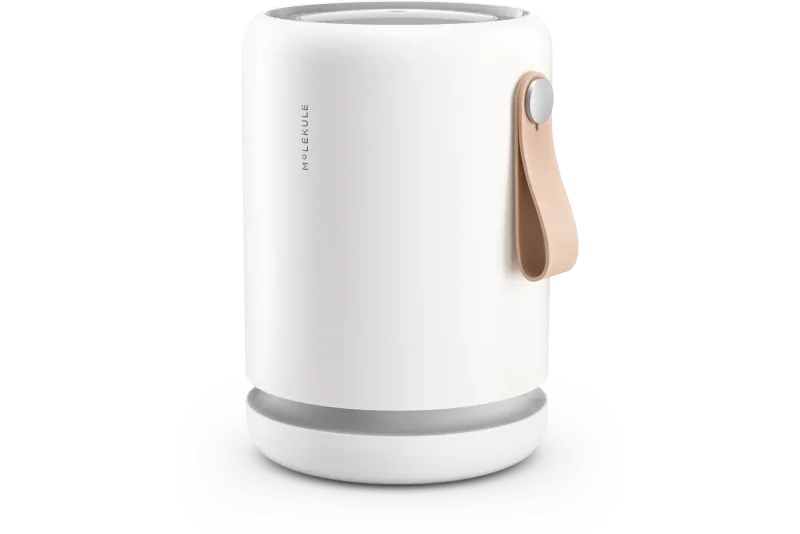
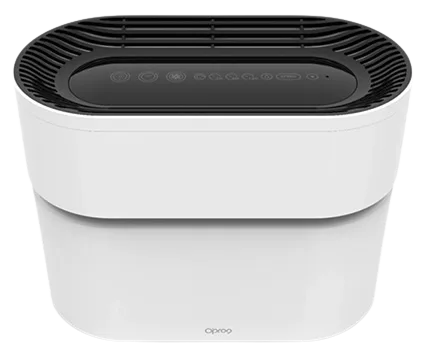
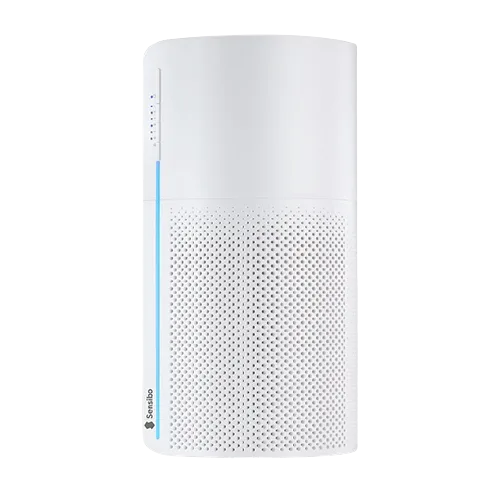
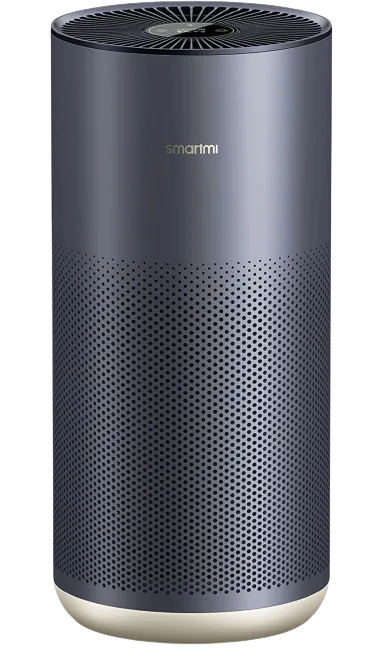
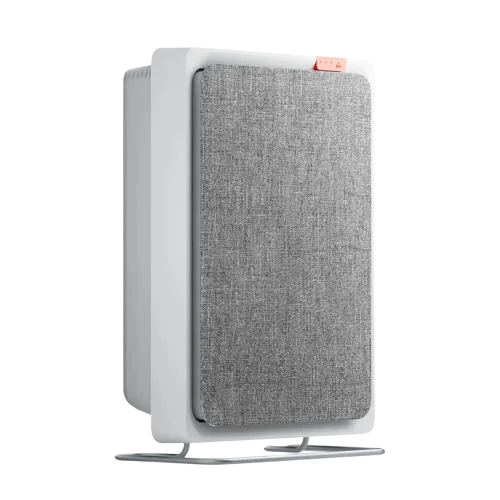
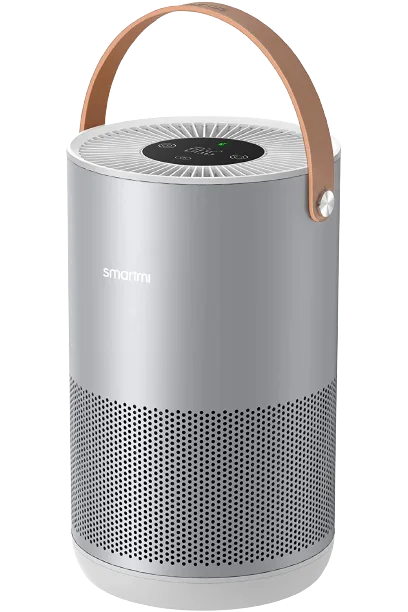
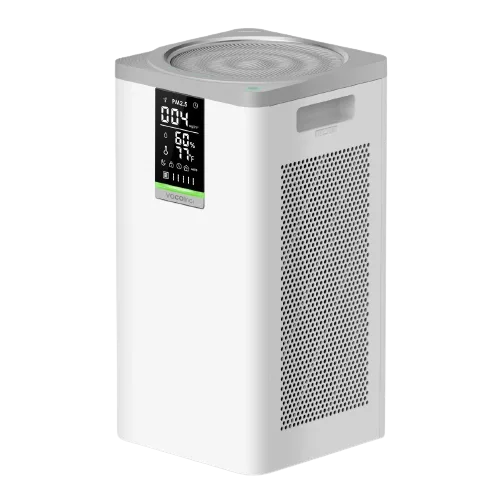
Run purifiers on auto, set the fan speed, lock the controls from curious hands and see when it’s time for a new filter.
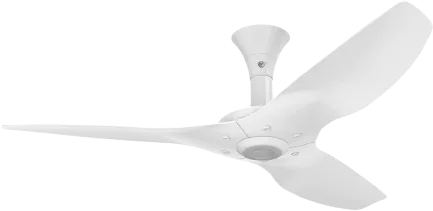
See Air PurifiersSpeed, swing and direction. From your iPhone or your wrist.
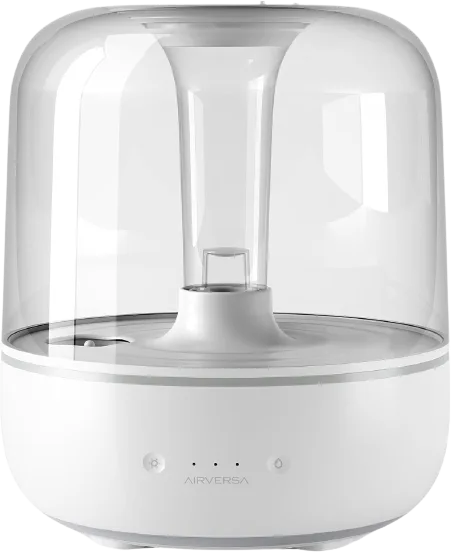
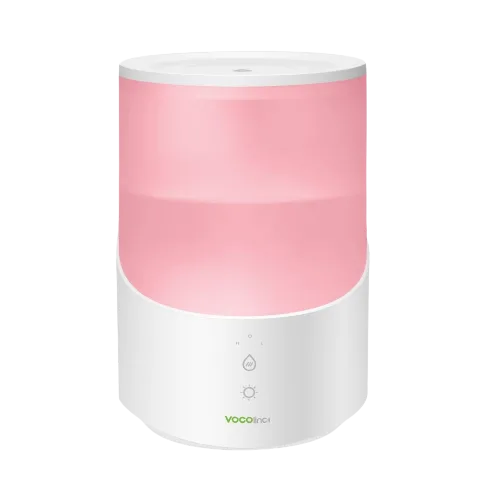
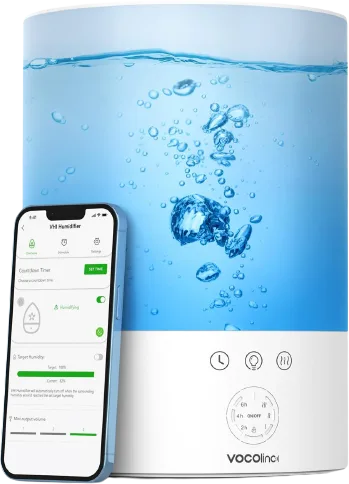
Humidifiers and dehumidifiers hold the level you choose, with separate thresholds for each.
Purifiers, fans and humidifiers.
In ReReHome: Auto mode, fan speed, child lock and filter status.
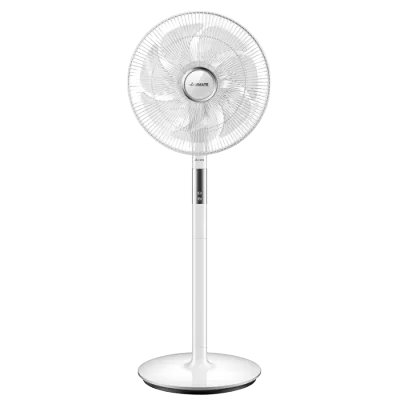
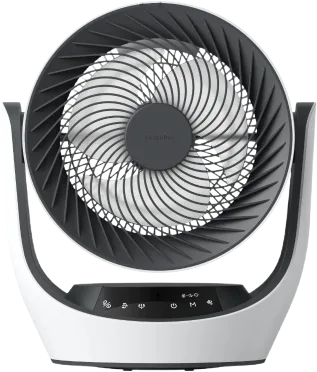
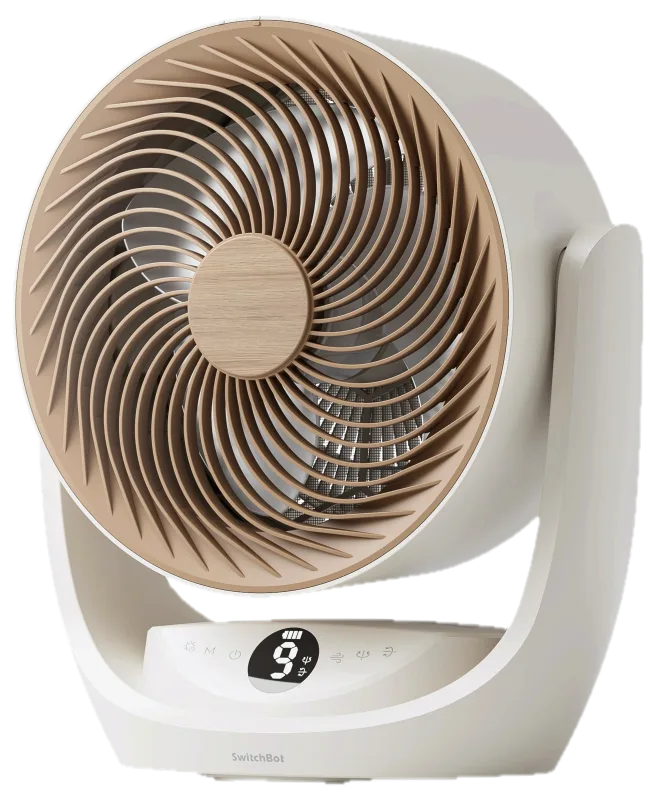
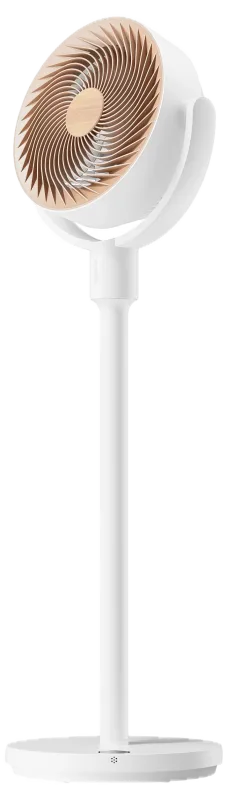
In ReReHome: Speed, swing and rotation direction.
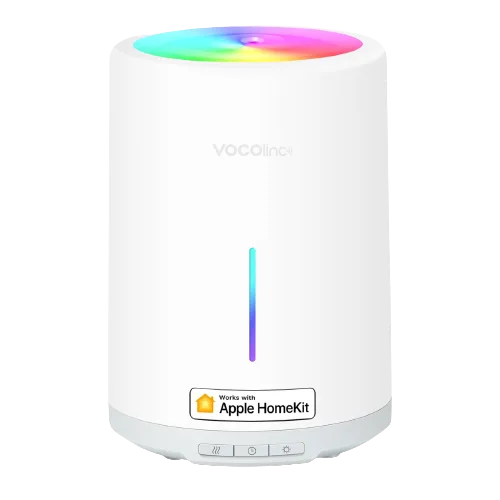
In ReReHome: Target humidity, humidify and dehumidify modes, and thresholds.
One demo tile per type. They move the way the real tiles do: the status first, then each reading in turn.
Purifying or idle, the air quality it measures, and a warning when the filter needs changing.
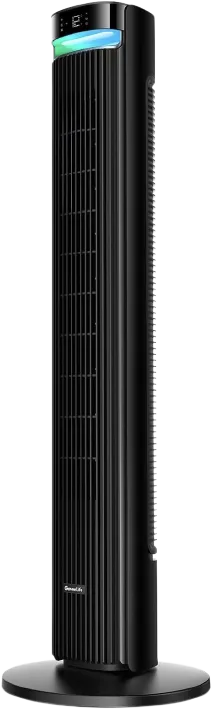
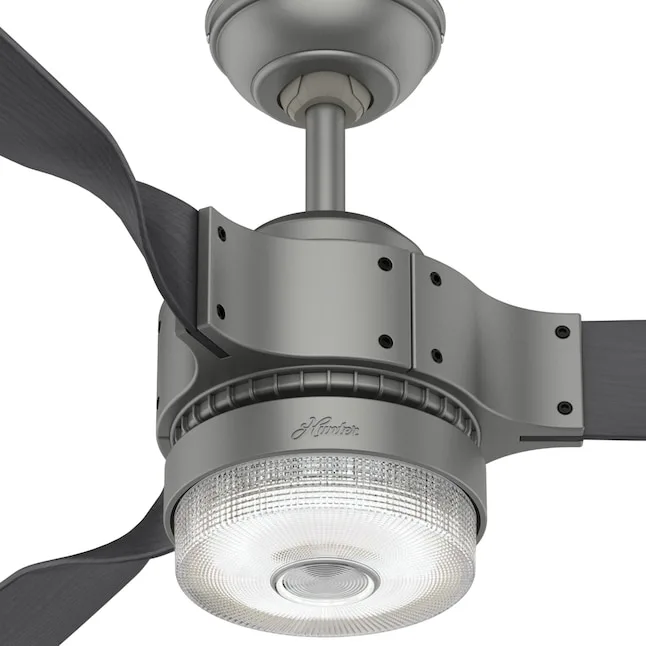
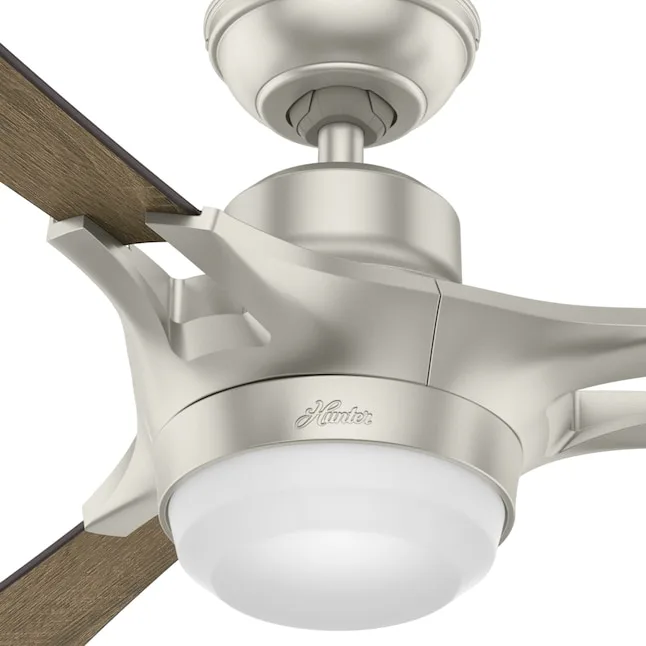
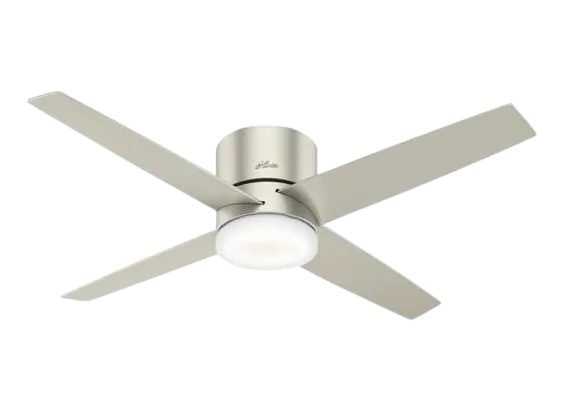
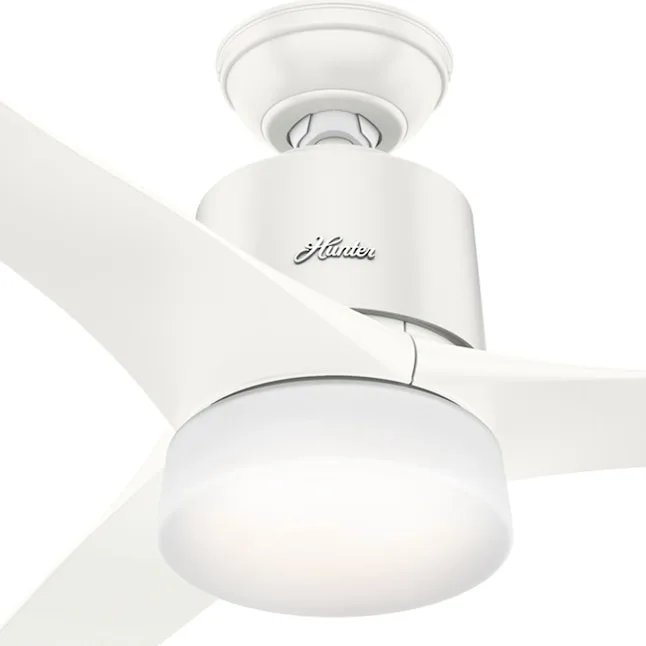
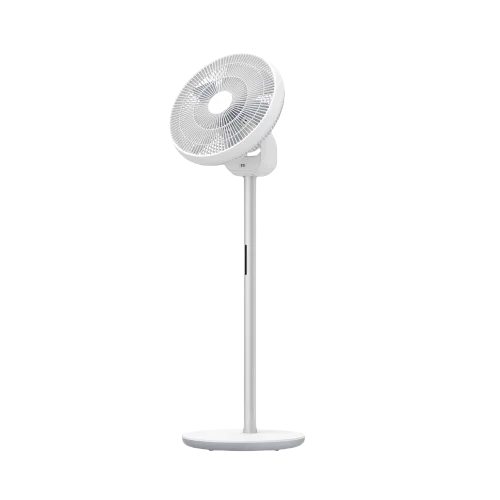
Blowing air, idle in auto, or off. Speed and oscillation sit on the detail page.
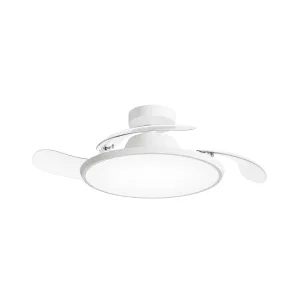
A ceiling fan with a light shows as two tiles: the fan and its light.
Excellent to poor, with the temperature and humidity it also reads.
Bulbs, strips and fixtures that dim, change color and keep a schedule.
Make the switches on your wall, and anything you plug in, smart.
Thermostats, air conditioners and heaters that keep every room comfortable.
Motorized blinds, shades and windows that move with the sun.
Smart deadbolts and keypads that lock and unlock from anywhere.
Openers that close the garage from anywhere and say when something’s in the way.
Indoor and outdoor cameras, plus video doorbells.
Motion, contact, leak, smoke and more, filtered by what each one reports.
AirPlay speakers and receivers for music in every room.
Hubs that bring Zigbee and Z-Wave accessories in, and routers that protect your network.
Robot vacuums and mops that clean room by room.
Smart sprinklers and valves that water on a schedule.
Apple’s upcoming collection of thermostats, cameras, a doorbell and a lock.
Matter washers, dryers, dishwashers, ovens, EV chargers and energy meters.
TVs that work with Apple Home: inputs, volume, remote keys and picture modes.
Motorized doors and windows with position, hold and obstruction alerts.
Smart faucets, showers and water valves with run times.
Pools, cars, mowers and outlets: separate switches and sensors, shown as the one thing they control.
Plugins that bring non‑HomeKit accessories into Apple Home, and what people report about them.
The integrations HomeKit Bridge can share with Apple Home, and what people report about their devices.