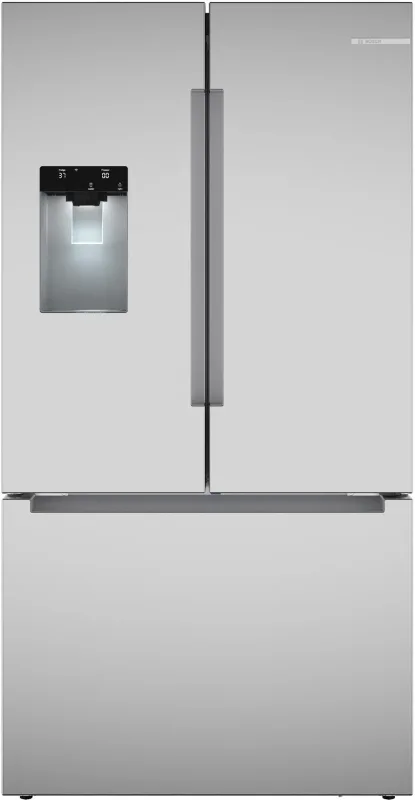
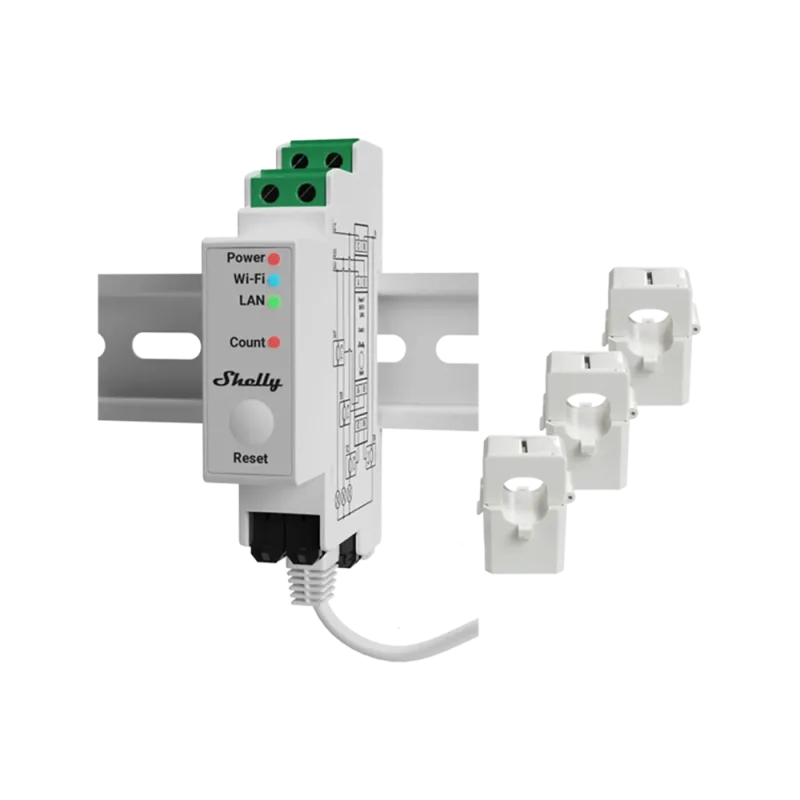
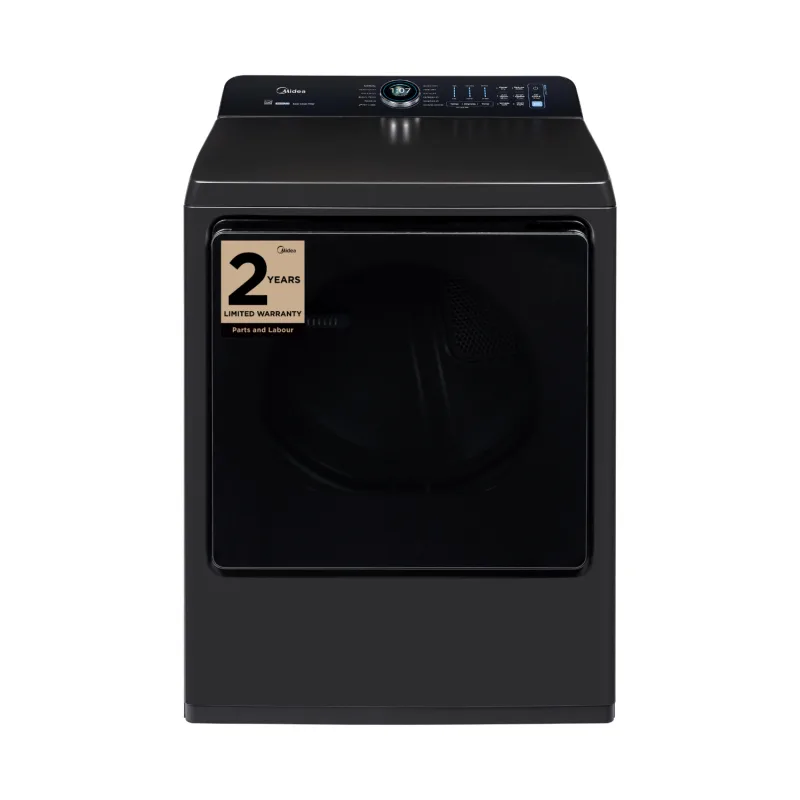
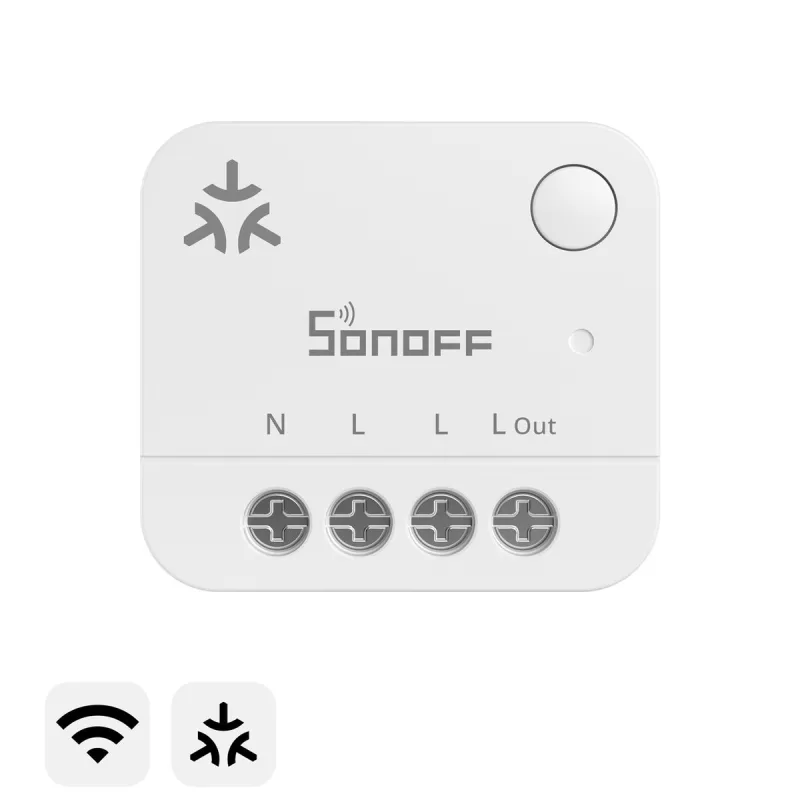
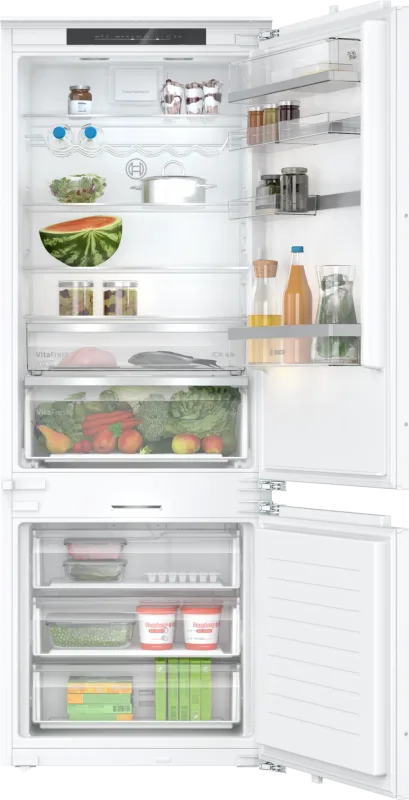
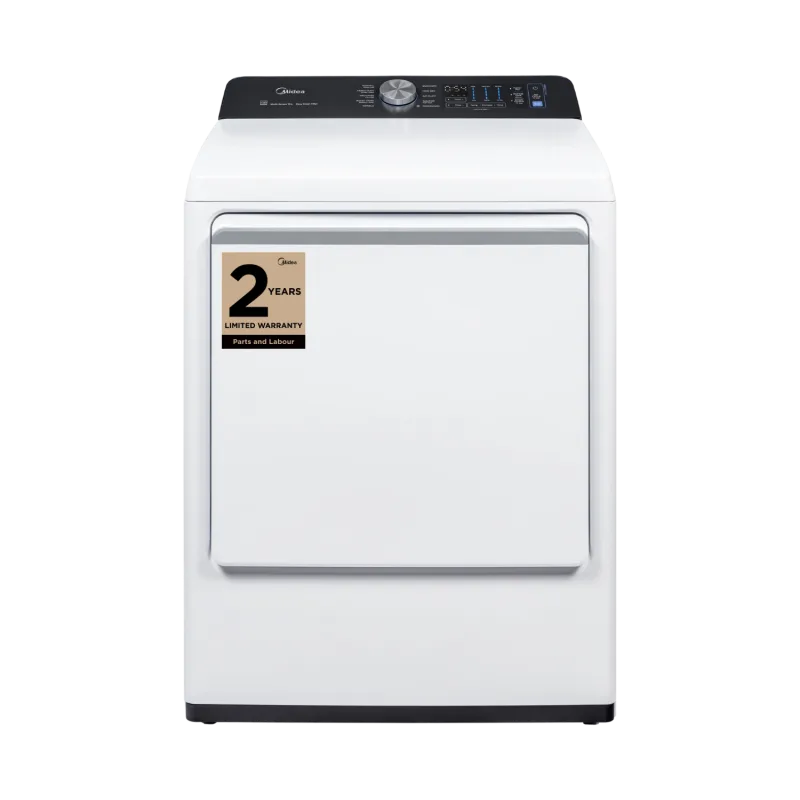
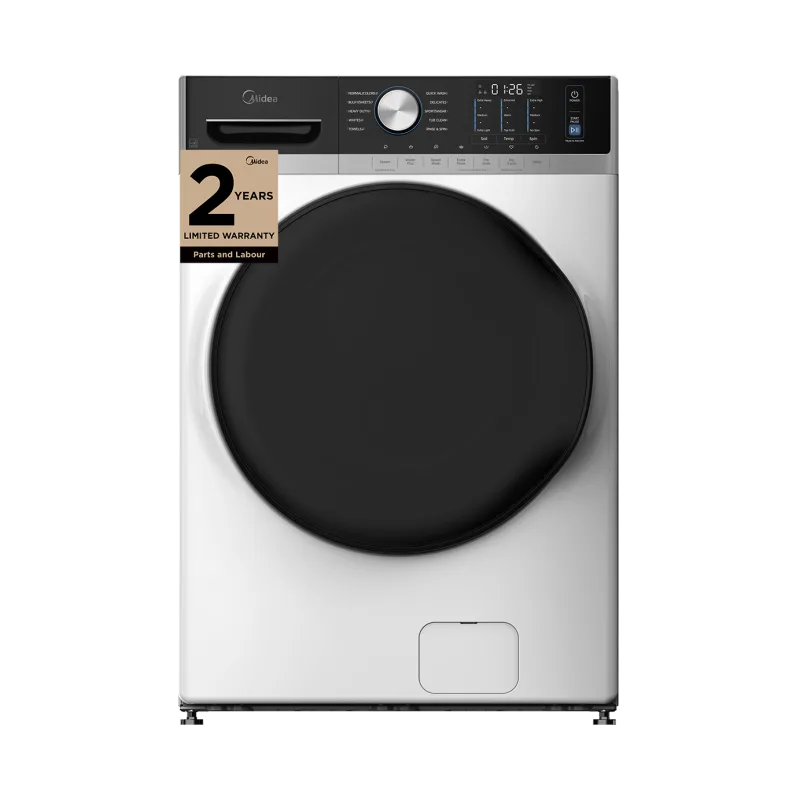
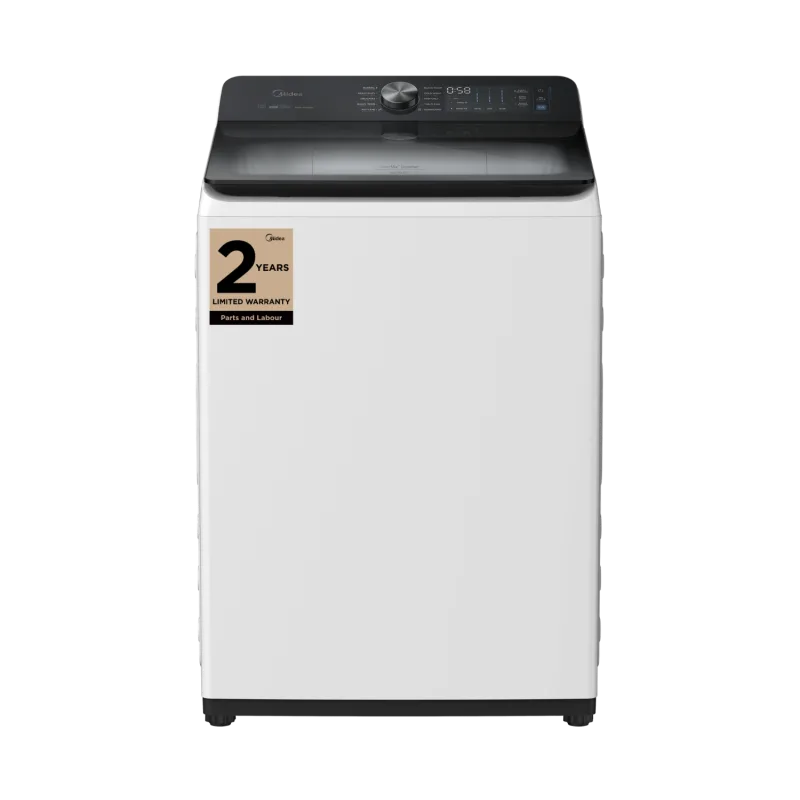
One demo tile per type. They move the way the real tiles do: the status first, then each reading in turn.
Wash · 42 min left Cottons 1400 Extra Rinse · 18 min left Cottons 1400 Extra Spin · 6 min left Cottons 1400 Done Cottons 1400 The phase and how long is left, then the program, spin speed and rinse the cycle is set to.
Phase Time left Program Spin speed Rinses
Dryer Drying · 55 min left
Drying · 55 min left Mixed Extra Drying · 24 min left Mixed Extra Cooling · 4 min left Mixed Extra Done Mixed Extra Drying, cooling or done, with the time left and the dryness level it will stop at.
Phase Time left Program Dryness
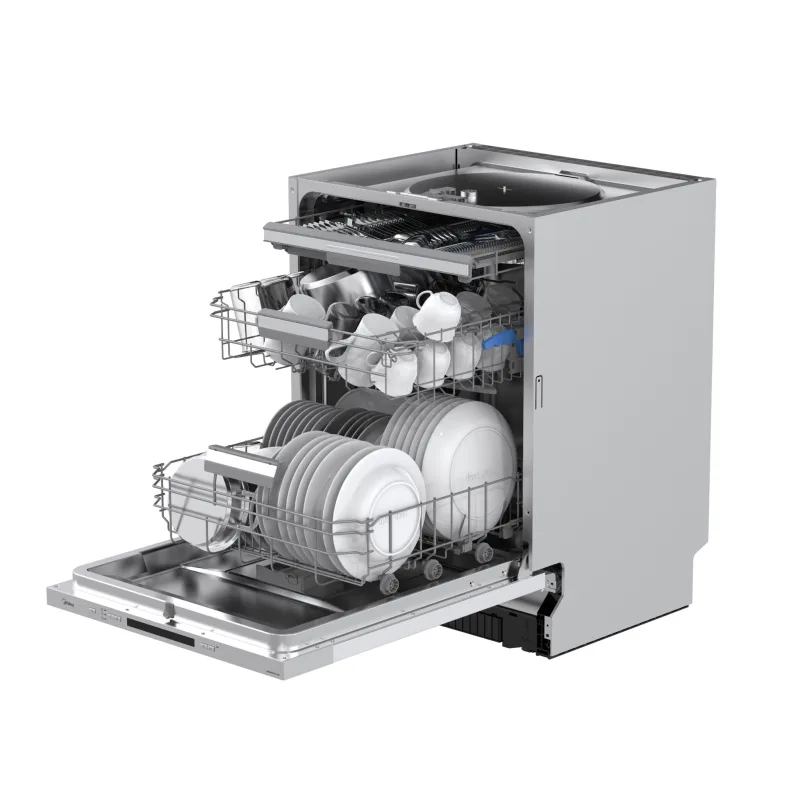
Dishwasher Pre-Wash · 2 hr 10 min left
Pre-Wash · 2 hr 10 min left Eco 50° Wash · 1 hr 25 min left Eco 50° Dry · 12 min left Eco 50° Done Eco The program and temperature it is running, phase by phase, down to the last minute of drying.
Phase Time left Program Temperature
Preheating · 145° Bake · 220° 45 min Bake · 220° Bake · 220° 32 min Bake · 220° Bake · 220° 4 min Off Preheating, then the mode and temperature of whichever cavity is on. Double ovens list each one.
Mode Temperature Preheat Timer Cavities
1 Burner On Burner 2 · High 2 Burners On Burner 2 · High Burner 4 · Low 3 Burners On Burner 1 · Medium Burner 2 · High Burner 4 · Simmer Off How many burners are lit, then each lit burner and its level. Burners that can only be lit at the hob still switch off from the app.
Burners on Burner level Off from the app
Microwave Running · 1 min 30 sec left
Running · 1 min 30 sec left 800 W Running · 45 sec left 800 W Done 1:30 800 W Stopped 1:30 800 W The cook time counting down while it runs, and the time and power level it is set to while it waits.
Running Time left Cook time Power level
The extractor fan speed and the hood light, each switched on its own.
4° · -18° 3° · -18° Rapid Cool 2° · -20° Rapid Cool Door Open Door The temperature in every compartment, and any mode that is out of the ordinary, like Rapid Cool.
Fridge temperature Freezer temperature Rapid Cool Door alarm
Heating 48% 55° Boosting 72% 60° Idle 100% 55° Idle 86% 55° Heating, boosting or idle, with how much hot water is in the tank and the temperature it is set to.
Heating Boost Tank level Setpoint
Running 2.40 kW Running 1.85 kW Idle 12 W Idle 12 W Whether it is running and the power it draws right now, read from its own energy meter.
Running Power draw Energy today
Not Plugged In Plugged In 41% Charging 48% 7.20 kW Charging 64% 7.20 kW Plugged in, ready, charging or faulted, with the car's battery and the power going into it.
Charging state Battery Power Session energy Boost
3.80 kW 18.2 kWh today 4.10 kW 19.4 kWh today 1.25 kW 21.0 kWh today 0 W 21.6 kWh today What the panels are making right now, and the energy produced so far today.
Home Battery Charging · 2.60 kW
Charging · 2.60 kW 76% Charging · 1.40 kW 92% Discharging · 1.20 kW 81% Idle 81% Charging from the panels or powering the house, with the charge level and the power either way.
Charge level Charging or discharging Power
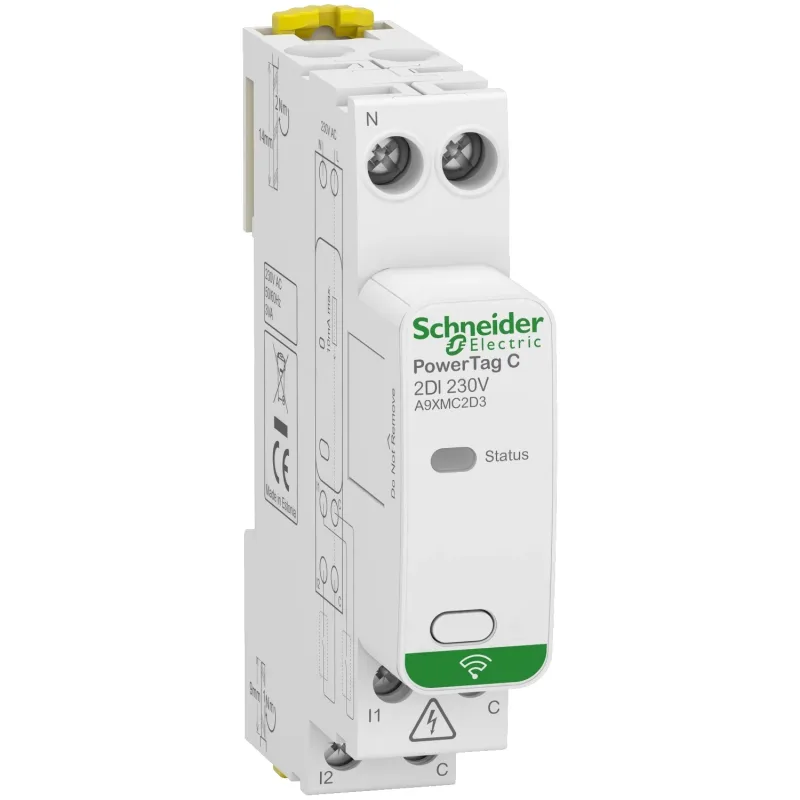
1.40 kW 12.4 kWh today 239 V 2.15 kW 12.6 kWh today 238 V 640 W 12.7 kWh today 240 V 980 W 12.9 kWh today 239 V The whole home's live power draw and what it has used today, from a Matter electrical sensor.
Power now Energy today Voltage
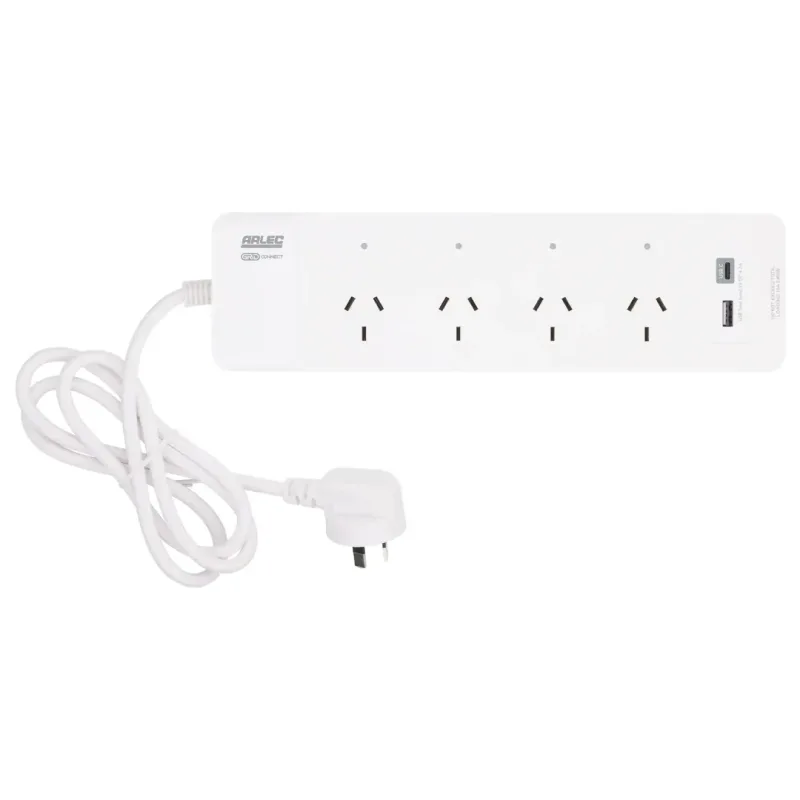
Running 1.10 kW Paused · Until 6:00 PM Time of Use Running 1.05 kW Time of Use Off A device that lets the home manage its load: whether it is running, paused for a cheaper tariff, or waiting for its window.
Running Paused Tariff mode Power