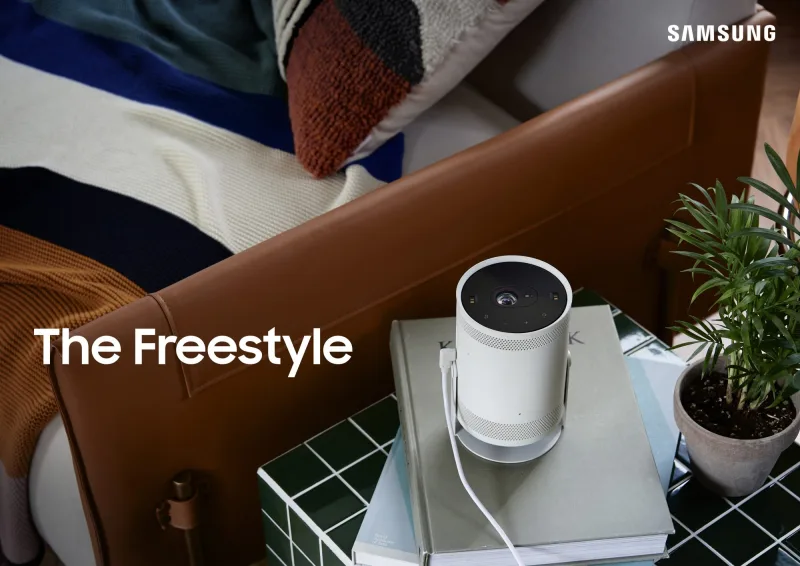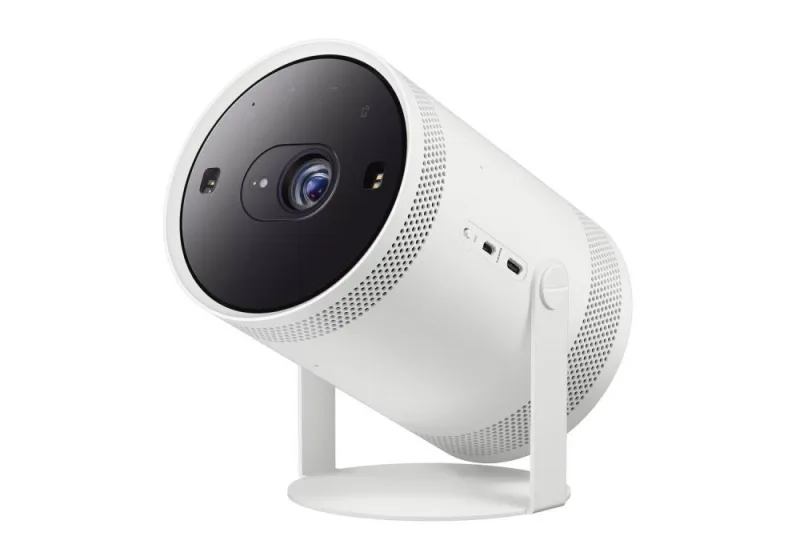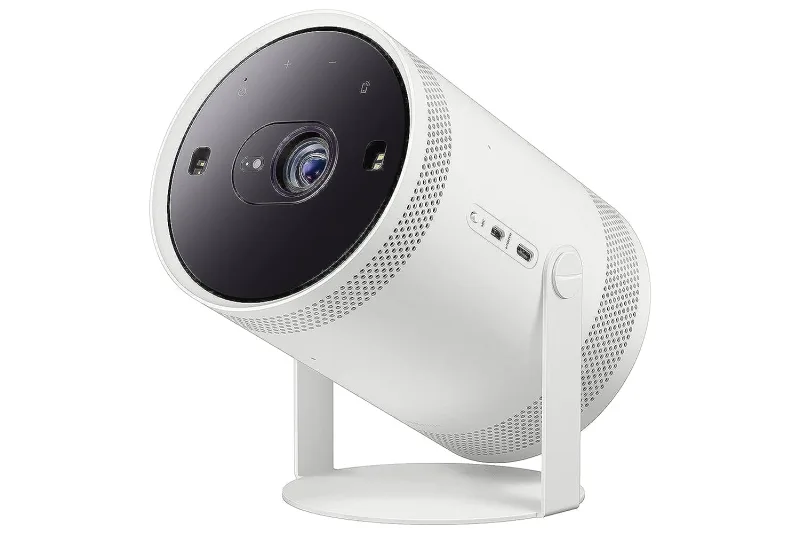
Samsung The FreeStyle+ projector (2026)
TVs · Entertainment
Where to buy
Search other stores
Store links open the product’s own page, matched to this accessory by name and model number. Prices and stock aren’t checked and vary by region; check that the model you buy says it works with Apple Home or Matter.
Not in ReReHome
It supports AirPlay 2, so you can stream to it from an iPhone, iPad or Mac, but it can’t be added to the Home app, so ReReHome can’t switch it on or off, change inputs or show its remote. Homebridge can add it, though; see below.
Connectivity
- Wi-Fi
- Ethernet
How it reaches your home
- AirPlay over IP
Identifiers
| Manufacturer | Samsung |
|---|---|
| Series | The FreeStyle+ projector |
| Model / SKU | SP-LFF3HLAXXXU |
| Model year | 2026 |
Bridge it with Homebridge
Owners report it working
These run Samsung's Tizen smart TV software, so the Samsung TV plugins reach them. Owners report a Smart Monitor M8 working with both plugins, and SmartThings TV added The Freestyle in version 2.4.0. Samsung's API won't switch a monitor to its USB-C or DisplayPort input. No one has reported an Odyssey or Premiere yet.
- Samsung Tizen TV
homebridge-samsung-tizenLocal network: power, apps, volume and the Control Center remote. - SmartThings TV
@o-lukas/homebridge-smartthings-tvThrough your SmartThings account; added The Freestyle in 2.4.0.
Once Homebridge adds the TV to the Home app, ReReHome controls it like any other TV.
Sources
Compatibility notes
- AirPlay 2 only; no HomeKit. From ReReHome's per-series TV research (2026-10-22), which checks maker spec sheets, manuals and support pages series by series.
- Model year 2026; region UK; platform Tizen.
- Verified model codes: SP-LFF3HLAXXXU.
- AirPlay 2: Yes. HomeKit: No. Evidence: maker page.
- Apple Support 104998 (2026-03-03): Samsung AirPlay TVs do not support HomeKit and cannot be added to the Home app.