DLNA
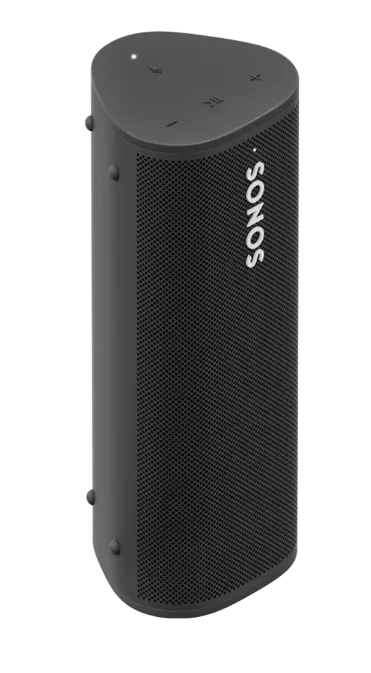
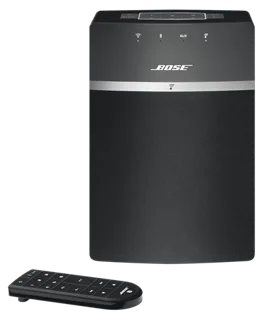
DLNA renderer speaker
Speakers · Entertainment
Partly worksLocal
1 report: 1 says it partly works.
Reported with 1 integration: DLNA Digital Media Renderer.
What people report
| Integration | In Home Assistant | In Apple Home | What they said | Source |
|---|---|---|---|---|
| DLNA Digital Media Renderer | Partly works Local | Local media and TTS failed; speaker HEAD request got HTTP 500Saved copyThe problem If I try TTS or playing a local media file on a DLNA compatible renderer, it doesn't work and shows an error in the log: [code] Right before the `Resource not found` error above, the HA logs show that there's a HEAD request coming in from the speaker and that fails with an HTTP 500 error. I also saw somewhere someone hinting that DLNA renderers might send a HEAD request before sending the GET one. There are several reports around the net about this or related DLNA problems, dating back to 2022: - #81162 - #111078 - Media Cast / DLNA not working with Samsung TVs or Smart Monitors - … Excerpt saved from GitHub on 2026-10-23. | Issue #139580 · 2025-03 |
Each row is one report from a GitHub thread, an integration’s docs, or r/homeassistant. Check the date and the linked source before you buy.
In ReReHome
Once Home Assistant’s HomeKit Bridge shares it, this device reaches Apple Home as a HomeKit accessory behind your Home Assistant bridge, so ReReHome shows and controls it like any other.
Identifiers
| Brand | DLNA |
|---|---|
| Category | Speakers |