Hunter Douglas
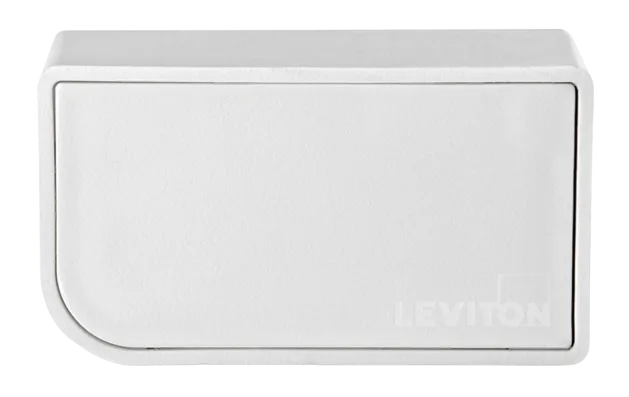
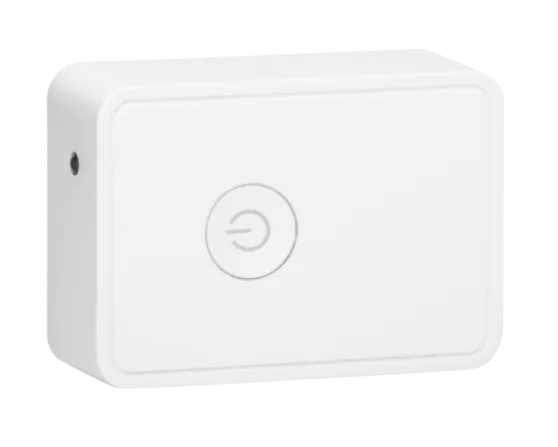
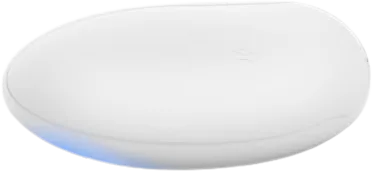
Hunter Douglas PowerView G3 hub
Bridges and Hubs · And More
Partly worksLocal
1 report: 1 says it partly works.
Reported with 1 integration: Hunter Douglas PowerView.
What people report
| Integration | In Home Assistant | In Apple Home | What they said | Source |
|---|---|---|---|---|
| Hunter Douglas PowerView | Partly works Local | Setup accepts only IP, not powerview-g3.local hostnameSaved copyThe problem I have a PowerView G3 hub. When I go to add the integration, the config flow asks for the host. I cannot specify the local DNS name `powerview-g3.local`, only the IP. I've traced the code path to the following config flow: https://github.com/home-assistant/core/blob/bc76dc3c34ead1cacc3237f5cfd9d9823df3a04b/homeassistant/components/hunterdouglas_powerview/config_flow.py#L31 Subsequent util call: https://github.com/home-assistant/core/blob/bc76dc3c34ead1cacc3237f5cfd9d9823df3a04b/homeassistant/components/hunterdouglas_powerview/util.py#L28 which gets the HTTP client and TCP … Excerpt saved from GitHub on 2026-10-23. | Issue #134364 · 2024-12 |
Each row is one report from a GitHub thread, an integration’s docs, or r/homeassistant. Check the date and the linked source before you buy.
In ReReHome
Once Home Assistant’s HomeKit Bridge shares it, this device reaches Apple Home as a HomeKit accessory behind your Home Assistant bridge, so ReReHome shows and controls it like any other.
This model is also in the ReReHome accessory catalog as HunterDouglas PowerView Gen 3 Gateway.
Identifiers
| Brand | Hunter Douglas |
|---|---|
| Model | PowerView G3 |
| Category | Bridges and Hubs |