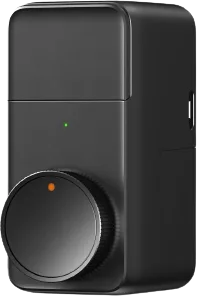
Lockin
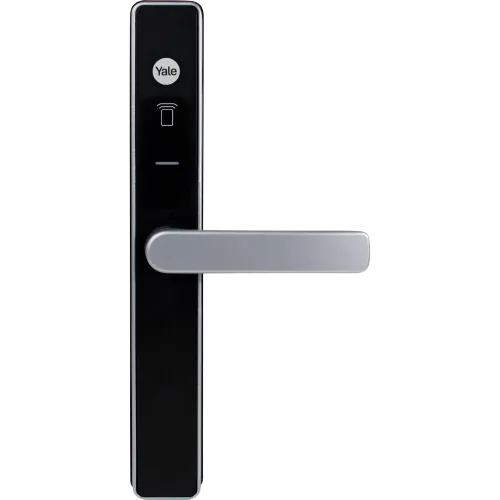
Lockin S50F smart lock
Locks · Security
RequestedLocal
1 report: 1 asks for support.
Reported with 1 integration: Passive BLE monitor.
What people report
| Integration | In Home Assistant | In Apple Home | What they said | Source |
|---|---|---|---|---|
| Passive BLE monitor | Requested Local | Needs 32-char MiBeacon V5 key; waiting for dataSaved copySensor Description loock.lock.s50f ### Additional information MODEL: loock.lock.s50f (Same as v16 but contain faceID feature) https://www.lockin.com.sg/product-page/lockin-push-pull-smart-lock-s50 This lock can be added in MiHome app. Will grab more adv if insufficient. I though I can use SV40(#1267) for testing but donno how to do that. Thank you ### BLE advertisements ```shell INFO (MainThread) [custom_components.ble_monitor] Attention! Option report_unknown is enabled for sensor with id(s): [''] INFO (Thread-2) [custom_components.ble_monitor.ble_parser] BLE advertisement received from … Excerpt saved from GitHub on 2026-10-23. | Issue #1326 · 2024-03 |
Each row is one report from a GitHub thread, an integration’s docs, or r/homeassistant. Check the date and the linked source before you buy.
In ReReHome
Once Home Assistant’s HomeKit Bridge shares it, this device reaches Apple Home as a HomeKit accessory behind your Home Assistant bridge, so ReReHome shows and controls it like any other.
Identifiers
| Brand | Lockin |
|---|---|
| Model | S50F |
| Category | Locks |