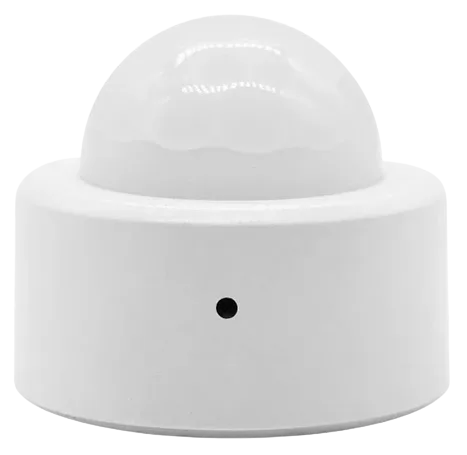
Smart
Smart #1
Thermostats · Climate
WorksCloud
1 report: 1 says it works.
Reported with 1 integration: Smart.
What people report
| Integration | In Home Assistant | In Apple Home | What they said | Source |
|---|---|---|---|---|
| Smart | Works Cloud | Trunk and lock states inverted in v0.7.1, fine in 0.7.2Saved copyVersion of the custom_component v0.7.1 Describe the bug Latest changes to binary sensors doors and locks seems to have introduced the wrong behaviour in my Smart #1 trunk lock state. I do not see anyone else reporting this as a bug. Checked the car and can see that the boot/trunk is closed and locked. However boot/trunk value mapping is now like this: Developer tools states this while the car is all locked up: So I think the mapping of the trunk lock state is incorrectly reversed. For reference, this is what the base integration values look like if I actually open the trunk and check again: … Excerpt saved from GitHub on 2026-10-23. | Issue #282 · 2025-05 |
Each row is one report from a GitHub thread, an integration’s docs, or r/homeassistant. Check the date and the linked source before you buy.
In ReReHome
Once Home Assistant’s HomeKit Bridge shares it, this device reaches Apple Home as a HomeKit accessory behind your Home Assistant bridge, so ReReHome shows and controls it like any other.
Identifiers
| Brand | Smart |
|---|---|
| Model | #1 |
| Category | Thermostats |