Dreo
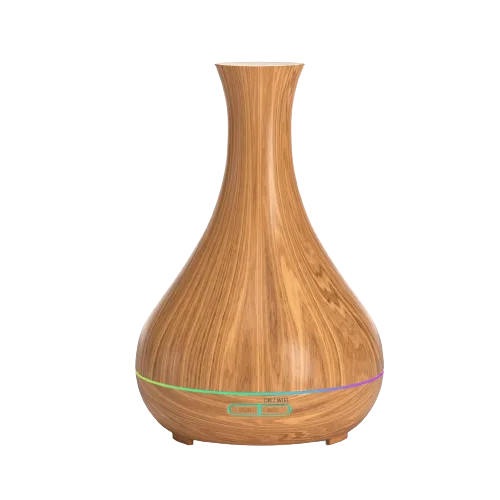
Dreo DR-HM713S Humidifier
Humidifiers · Climate
WorksVerified plugin
1 report: 1 says it works.
Reported with 1 Homebridge plugin: Dreo.
What people report
| Plugin | Status | What they said | Connects | Source |
|---|---|---|---|---|
Dreo Verifiedhomebridge-dreo | Works | Support merged; water level and fog level need separate tilesSaved copyTo see Humidifier "Water Level" and "Fog Level" in HomeKit, you will need to select `Show as Separate Tiles` in HomeKit. An then name the Switches accordingly, i.e. `Sleep Mode` & `Warm Mist`. Auto Mode: Controls Dreo `Manual Mode`, as HomeKit hides Humidity slider in `Auto Mode`. You can adjust `Mist Level`, which reflects the Dero `Manual Mode` in the Dreo app. Humidity Mode: Controls Dreo `Auto Mode` & `Sleep Mode` mode. HomeKit do not support `Sleep Mode`, But you can switch between `Sleep Mode` and `Auto Mode` using the 'Sleep' switch in HomeKit. Fan Speed: Controls the `Mist Level` of … Excerpt saved from GitHub on 2026-10-22. | Cloud | PR #71 · 2025-03 |
Each row is one report from a plugin’s GitHub issues, pull requests, discussions, wiki or docs, or from r/homebridge. Check the date and the linked thread before you buy.
In ReReHome
Once a Homebridge plugin publishes it, this device reaches Apple Home as a HomeKit accessory behind your Homebridge bridge, so ReReHome shows and controls it like any other.
Identifiers
| Brand | Dreo |
|---|---|
| Model | DR-HM713S |
| Category | Humidifiers |
Also reported as
- Dreo humidifier DR-HM713S