HomeSeer
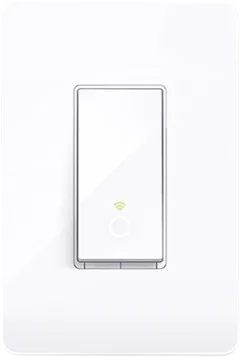
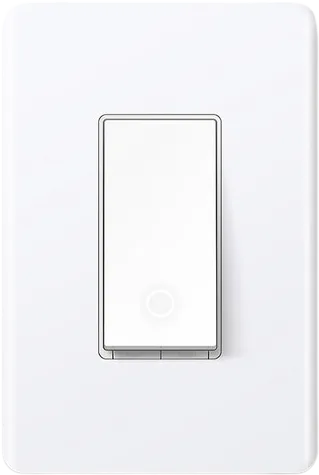
HomeSeer WS100+ switch
Switches · Lighting
Not working
1 report: 1 says it doesn’t work.
Reported with 1 Homebridge plugin: SmartThings.
What people report
| Plugin | Status | What they said | Connects | Source |
|---|---|---|---|---|
SmartThingshomebridge-smartthings | Not working | Switch with button capability skipped as button groupSaved copyI'm having a similar issue with a HomeSeer WS100+ Switch. It's a switch that is also a button controller. [SmartThings] Device Skipped - Group button, Name Bedroom Light, ID 130446e2-25aa-413f-b393-f4496e98c41c, JSON: {"name":"Bedroom Light","basename":"WS100+ Switch","deviceid":"130446e2-25aa-413f-b393-f4496e98c41c","status":"ACTIVE","manufacturerName":"HomeSeer … Excerpt saved from GitHub on 2026-10-22. | Local + cloud | Issue #139 · 2017-02 |
Each row is one report from a plugin’s GitHub issues, pull requests, discussions, wiki or docs, or from r/homebridge. Check the date and the linked thread before you buy.
In ReReHome
Once a Homebridge plugin publishes it, this device reaches Apple Home as a HomeKit accessory behind your Homebridge bridge, so ReReHome shows and controls it like any other.
Identifiers
| Brand | HomeSeer |
|---|---|
| Model | WS100+ |
| Category | Switches |