Logitech
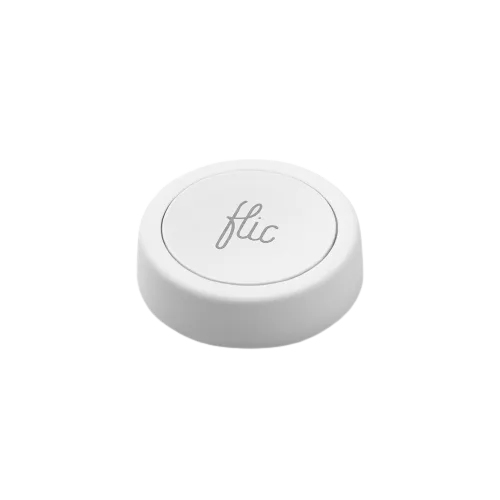
Logitech POP Button
Buttons and Remotes · Lighting
Mixed reports
2 reports: 1 says it works, 1 says it partly works.
Reported on r/homebridge without a plugin from our list.
What people report
| Plugin | Status | What they said | Connects | Source |
|---|---|---|---|---|
| Home Assistant | Works | Battery buttons with press, double, long press; reliable (Home Assistant user)Saved copyI have a bunch of Logitech POPs that work really well. Not exactly cheap but the batteries last forever, and they’ve been super reliable for me, plus they support three different actions (press, double press and long press) Excerpt saved from Arctic Shift Reddit archive on 2026-10-22. | Connection not stated | Reddit comment · 2019-08 |
| Not named | Partly works | Long delay between press and light change via Logitech hubSaved copyI live in a place where I can't fit proper powered switches. So at the moment I have Logitech pop buttons above the regular lights and use those to turn rooms on and off. However, I am often finding there is quite a long delay between press and light change. I can change the same lights instantly within the homebridge and HomeKit apps. As such the delay appears to be the switch going to the Logitech hub and then on to HomeKit. So are there any alternative buttons? Or any way to remove the delays on the buttons? Excerpt saved from Arctic Shift Reddit archive on 2026-10-22. | Connection not stated | Reddit thread · 2020-05 |
Each row is one report from a plugin’s GitHub issues, pull requests, discussions, wiki or docs, or from r/homebridge. Check the date and the linked thread before you buy.
In ReReHome
Once a Homebridge plugin publishes it, this device reaches Apple Home as a HomeKit accessory behind your Homebridge bridge, so ReReHome shows and controls it like any other.
Identifiers
| Brand | Logitech |
|---|---|
| Model | POP |
| Category | Buttons and Remotes |
Also reported as
- Logitech POP switch
- Logitech Pop button