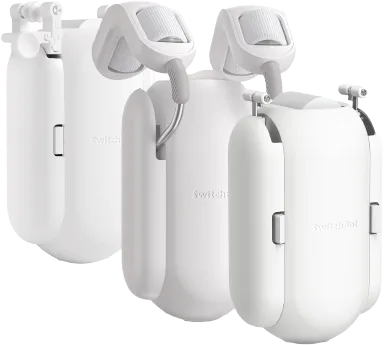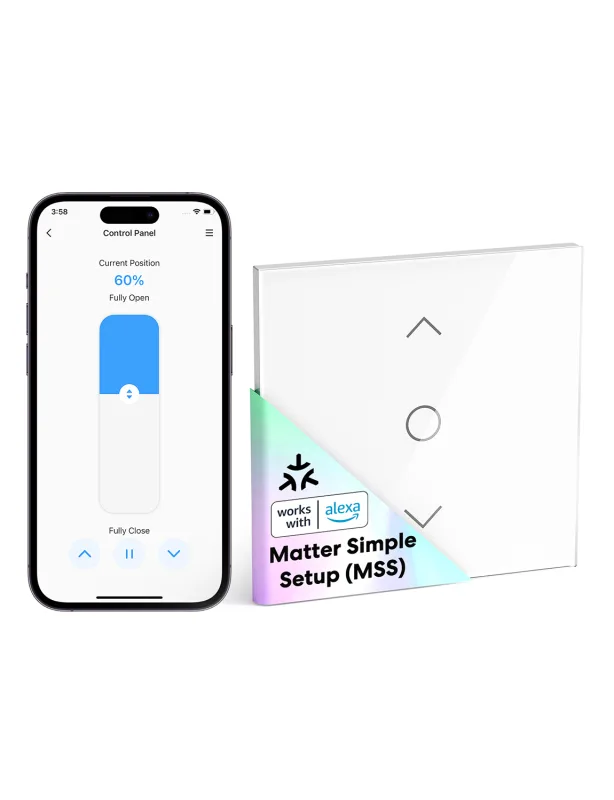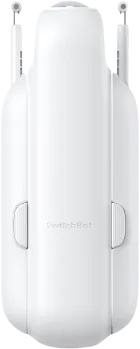
SwitchBot
SwitchBot Curtain 3
Windows and Coverings · Climate
Not workingVerified plugin
1 report: 1 says it doesn’t work.
Reported with 1 Homebridge plugin: SwitchBot.
What people report
| Plugin | Status | What they said | Connects | Source |
|---|---|---|---|---|
SwitchBot Verified@switchbot/homebridge-switchbot | Not working | Discovered but not supported on versions above 2.14.0Saved copy… in a loop (especially latest (v4.3.1) , that config is wrong, or config initialing. When I down grade to 2.14.0 all of the sudden all works, I get my curtain3 discovered, but they are not supported. is there a way to fix it? I have tried to add manually the Device IDs with and without ":" but it does not help. [3/27/2025, 9:06:59 PM] [SwitchBot] Device: Decak with Device Type: Curtain3, is currently not supported. [3/27/2025, 9:06:59 PM] [SwitchBot] Submit Feature Requests Here: https://tinyurl.com/SwitchBotFeatureRequest [3/27/2025, 9:06:59 PM] [SwitchBot] Device: Curtain 0D with Device … Excerpt saved from GitHub on 2026-10-22. | Local + cloud | Issue #1196 · 2025-03 |
Each row is one report from a plugin’s GitHub issues, pull requests, discussions, wiki or docs, or from r/homebridge. Check the date and the linked thread before you buy.
In ReReHome
Once a Homebridge plugin publishes it, this device reaches Apple Home as a HomeKit accessory behind your Homebridge bridge, so ReReHome shows and controls it like any other.
This model is also in the ReReHome accessory catalog as SwitchBot Curtain 3.
Identifiers
| Brand | SwitchBot |
|---|---|
| Model | Curtain3 |
| Category | Windows and Coverings |