My Leviton Decora
homebridge-myleviton · v4.0.3
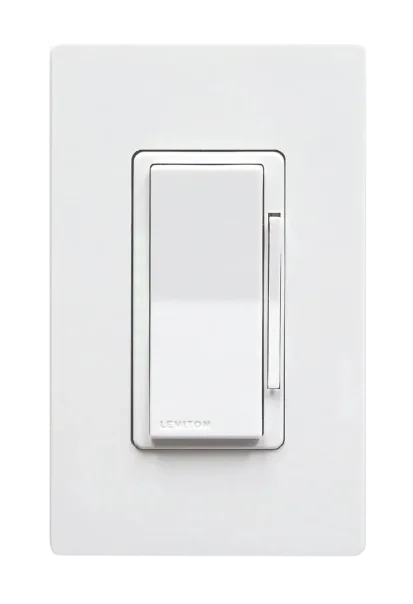
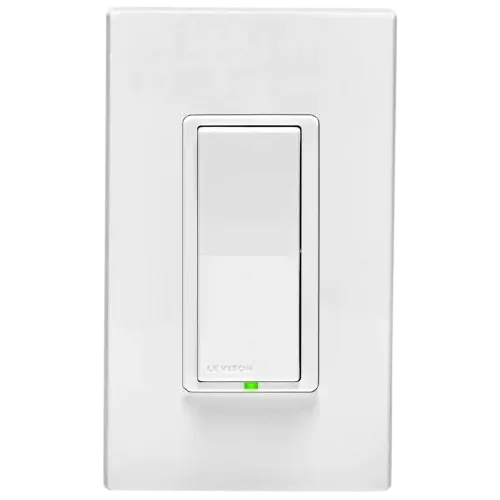
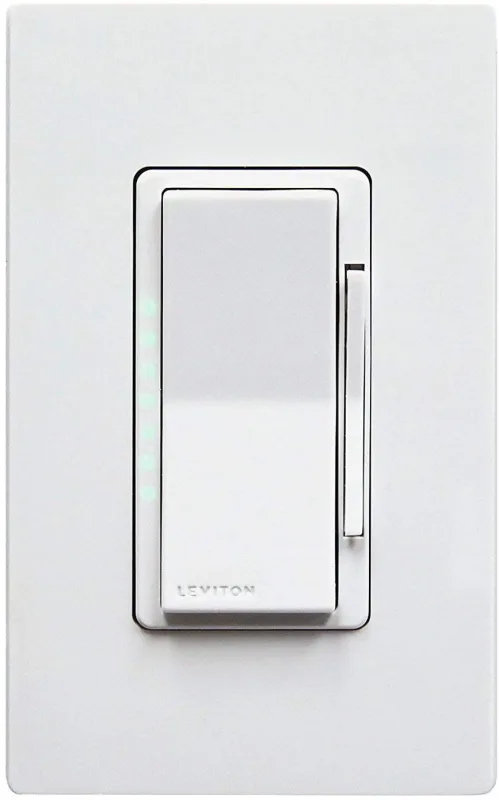
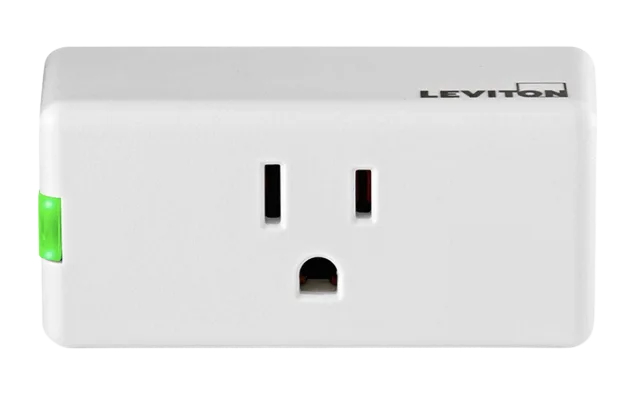
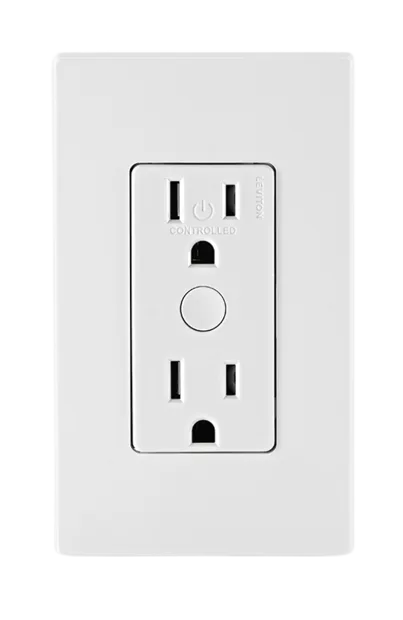
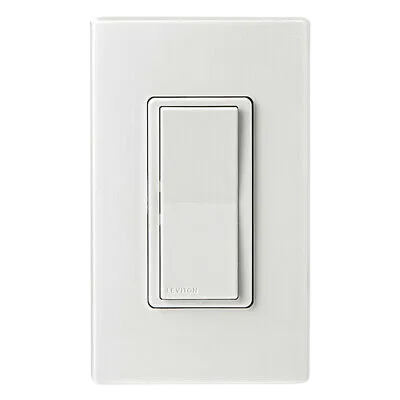
Adds My Leviton Decora Smart Wi-Fi dimmers, fan controllers, switches, outlets and motion dimmers.
What it says it supports
Brands
- Leviton
- Decora Smart
Devices it names
- DW6HD
- D26HD
- DW1KD
- D2MSD motion dimmer
- Decora Smart outlets
- fan controllers
Shows up in Apple Home as from its README
Sensor readings in its code
What people report
Decora devices supported with models added on request; Leviton Smart Breakers not yet supported.
- Works1
- Requested1
| Device | Status | What they said | Source |
|---|---|---|---|
| Leviton Decora dimmer DN6HD | Works | Added as dimmer in v3.4.8; re-add accessorySaved copyFeature Description Currently the plugin doesn't recognize dimmer switch model # DN6HD. It configures it as a switch rather than a dimmer switch. Use Case If the plugin recognizes this model as a dimmer switch HomeKit will allow dimming functionality? Proposed Solution Add the model as a dimmer switch? Alternatives Considered None Device Information (if applicable) Device model: DN6HD Device type: (dimmer/switch/outlet/fan) dimmer Additional Context Any other context, screenshots, or examples. Excerpt saved from GitHub on 2026-10-22. | Issue #3 · 2026-05 |
| Leviton Smart Breaker LB115-EST | Requested | Not supported yet; different API; maintainer wants hardware accessSaved copyHi there, I am wondering if your plugin supports Leviton Smart Breakers (such as LB115-EST). They are showing in MyLeviton app, but not listed in your supported devices. Please let me know if you know :) Thank you! Excerpt saved from GitHub on 2026-10-22. | Issue #38 · 2026-06 |
Gathered from the plugin’s GitHub issues, pull requests, discussions, wiki and docs, and from r/homebridge. These are individual reports, so check the linked thread and the date before you buy.
How it connects
Cloud
My Leviton cloud account
You’ll need
- My Leviton account
Compatibility
| Verified by Homebridge | Yes |
|---|---|
| Homebridge versions | ^2.0.0 |
| Homebridge 2.0 | Yes |
| Node.js | ^22 || ^24 || ^26 |
| Settings in Homebridge UI | Yes |
| Matter | No |
| Platform name | MyLevitonDecoraSmart |
| License | Apache-2.0 |
Community signals
| Downloads a week | 110 |
|---|---|
| Downloads a month | 900 |
| GitHub stars | 0 |
| Open issues | 2 |
| Closed issues | 4 |
| Last code push | 2026-10-19 |
| Latest version | 4.0.3 (2026-10-05) |
| First published | 2026-01-04 |
| Releases | 46 |
In ReReHome
Whatever this plugin publishes reaches Apple Home as a normal HomeKit accessory behind your Homebridge bridge, so ReReHome shows and controls it like any other.
Bridges get their own settings page listing the accessories behind them.
HomeKit services in its code
Found by scanning the published npm package. A plugin can register a service only for some devices.
- ContactSensor
- Fan
- Lightbulb
- MotionSensor
- Outlet
- Switch
Sources
- npm: https://www.npmjs.com/package/homebridge-myleviton
- Source code: https://github.com/tbaur/homebridge-myleviton
- Issues: https://github.com/tbaur/homebridge-myleviton/issues
- Verified plugins list: https://github.com/homebridge/verified