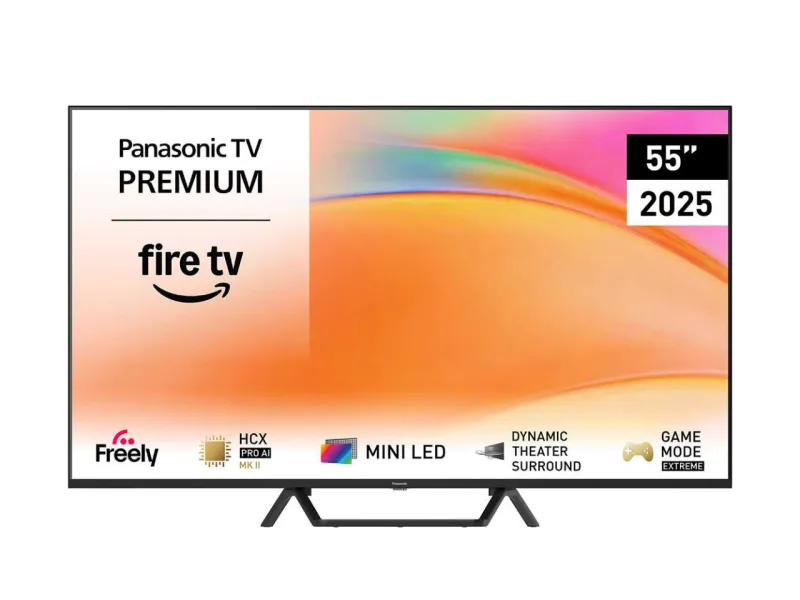
Panasonic Viera TV
homebridge-panasonic-viera-tv · v7.2.0
Adds Panasonic Viera TVs to HomeKit with power and input switching.
What it says it supports
Brands
- Panasonic
Devices it names
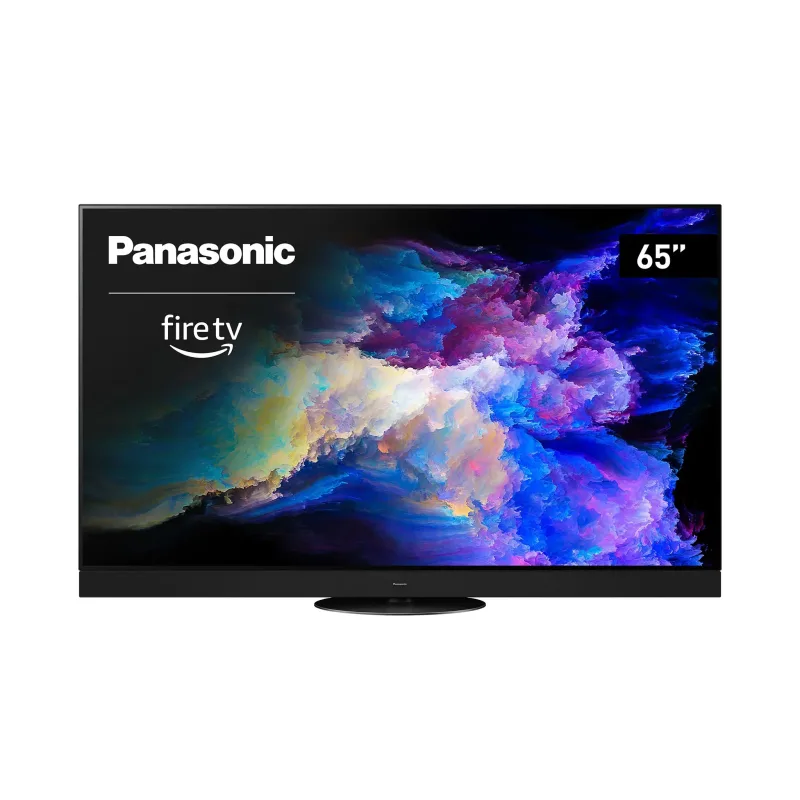
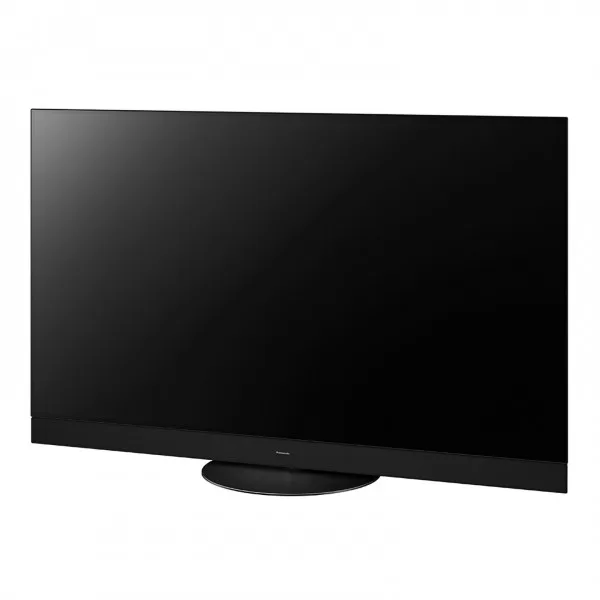
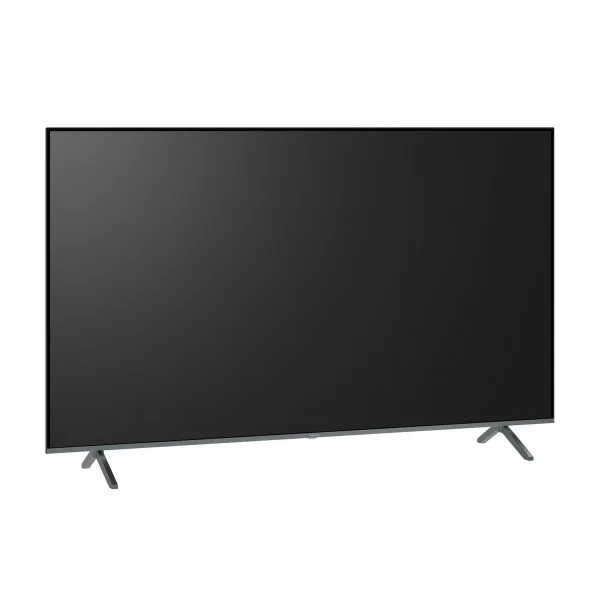
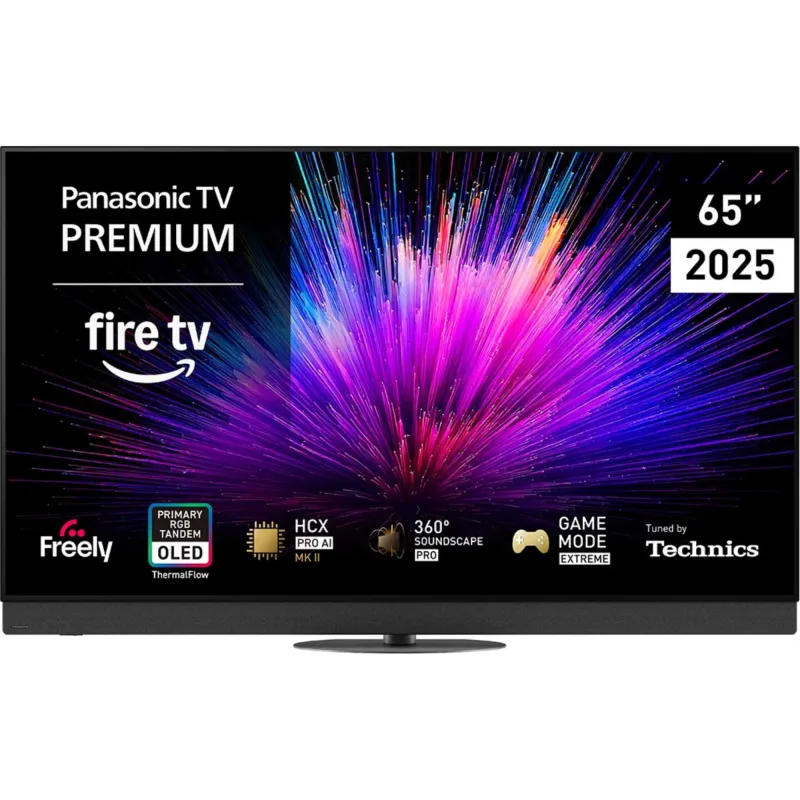
- Viera TVs
Shows up in Apple Home as from its README
What people report
Controls Panasonic Viera TVs by IP. Some models cannot power on from standby.
- Works2
- Not working3
- Won’t be supported1
| Device | Status | What they said | Source |
|---|---|---|---|
| Panasonic TX-65DXW784 | Works | User confirms it worksSaved copyPanasonic TX-65DXW784 -> works Excerpt saved from GitHub on 2026-10-22. | Issue #5 · 2019-04 |
| Panasonic TX-75EXW784 | Works | User confirms it worksSaved copypanasonic tx75exw784 Works Excerpt saved from GitHub on 2026-10-22. | Issue #5 · 2019-04 |
| Panasonic 49FX740 | Not working | Same power state problem as TX-55FZ800ESaved copyI'm having the same issue with a Panasonic 49FX740, which is also a 2018 model TV. Also the same as @daciand , I can control it with the Panasoic TV Remote 3 App on my iPhone, including power on/off. The TV shows in the Home App, but state is often incorrect and none of the switches work: on/off, or changing inputs, etc. Here's a wee snippet of the logging of actions from the Home App when running `homebridge -D` [code] None of these actions have any effect. I did notice that when setting up the Panasonic TV Remote 3 App on iOS for the first time a pairing PIN code was required (displayed on … Excerpt saved from GitHub on 2026-10-22. | Issue #14 · 2019-05 |
| Panasonic TH-65FX800Z | Not working | Does not seem to workSaved copyUnless I've configured something wrong, TH-65FX800Z does not seem to work. Will have to stick with Alexa as that does work. Is it only the IP addy that is required in the config? Excerpt saved from GitHub on 2026-10-22. | Issue #5 · 2019-04 |
| Panasonic TX-55FZ800E | Not working | Shows in Home but cannot change power stateSaved copyFirst of all, thanks for the plugin! I have a Panasonic TX-55FZ800E and, even if the TV shows up fine in the Home app, I am not able to change its power state by clicking on it. The current state is correctly reflected in the app, but as I said, I cannot change it. By using the TV Remote 2 app on my iPhone, I am able to change its power state, which I guess it means that the TV can be started remotely. It may also be worth mentioning that the TV is connected to my local network via WiFi (802.11n, 5 GHz band). My config.json looks like this: ` { "accessory": "Panasonic-TV", "name": "Panasonic … Excerpt saved from GitHub on 2026-10-22. | Issue #14 · 2019-05 |
| Panasonic TX-50AW404 | Won’t be supported | Maintainer lists it as unable to power on from standbySaved copyTX-50AW404 Excerpt saved from GitHub on 2026-10-22. | Issue #5 · 2019-04 |
Gathered from the plugin’s GitHub issues, pull requests, discussions, wiki and docs, and from r/homebridge. These are individual reports, so check the linked thread and the date before you buy.
How it connects
Local
Viera control over LAN
Compatibility
| Verified by Homebridge | No |
|---|---|
| Homebridge versions | >=0.4.46 |
| Homebridge 2.0 | No |
| Node.js | Not stated |
| Settings in Homebridge UI | No |
| Matter | No |
| License | MIT |
Community signals
| Downloads a week | 129 |
|---|---|
| Downloads a month | 567 |
| GitHub stars | 20 |
| Open issues | 9 |
| Closed issues | 32 |
| Last code push | 2020-11-11 |
| Latest version | 7.2.0 (2020-05-10) |
| First published | 2019-03-24 |
| Releases | 233 |
In ReReHome
Whatever this plugin publishes reaches Apple Home as a normal HomeKit accessory behind your Homebridge bridge, so ReReHome shows and controls it like any other.
Bridges get their own settings page listing the accessories behind them.
Caveats from the README
- This plugin is archived, deprecated or on Homebridge’s unmaintained list.
HomeKit services in its code
Found by scanning the published npm package. A plugin can register a service only for some devices.
- InputSource
- Television
- TelevisionSpeaker