Resideo Honeywell
@homebridge-plugins/homebridge-resideo · v3.2.4
Adds Resideo and Honeywell Home thermostats, room sensors, leak detectors and water shutoff valves to HomeKit.
What it says it supports
Brands
- Resideo
- Honeywell Home
Devices it names
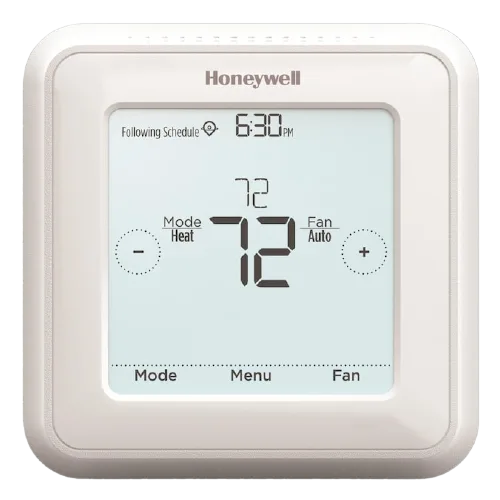
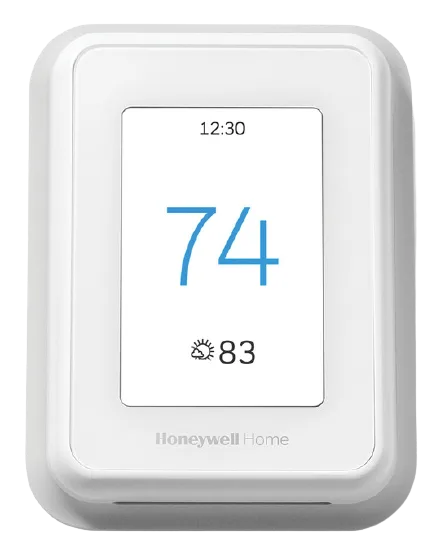
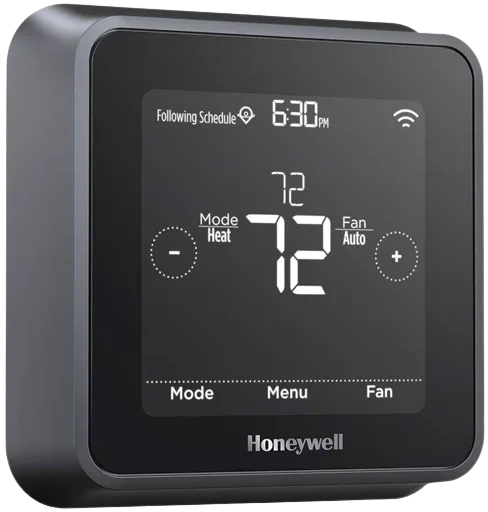
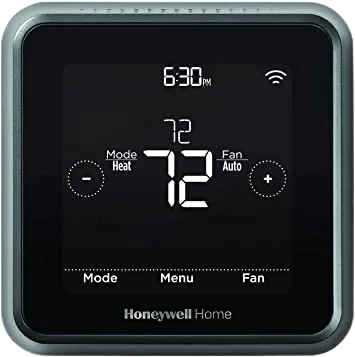
- T10 Thermostat
- T9 Thermostat
- T9 Smart Roomsensors
- T6 Thermostat
- T5 Thermostat
- Round Thermostat
- Total Comfort Control thermostats
- WiFi Water Leak & Freeze Detector
- Water Shutoff Valves
Shows up in Apple Home as from its README
Sensor readings in its code
What people report
Honeywell Home T-series and Round thermostats, room sensors and water valves work. Humidity control is not exposed.
- Works10
- Partly works1
- Requested1
The plugin’s own supported-device list
| Device | Status | What they said | Source |
|---|---|---|---|
| Honeywell Home Round Thermostat | Works | Listed as known to workSaved copyThese are the Resideo (Honeywell Home) devices known to work with this plugin, please update as you test: | Model | Product page | |-------|--------------| | T10 | | | T9 | T9 Thermostat, with T9 Smart Roomsensors | | T6 | T6 Thermostat | | T5 | T5 Thermostat | | Round | Round Thermostat | Excerpt saved from GitHub on 2026-10-22. | Wiki: Supported Devices |
| Honeywell Home T10 Thermostat | Works | Listed as known to workSaved copyThese are the Resideo (Honeywell Home) devices known to work with this plugin, please update as you test: | Model | Product page | |-------|--------------| | T10 | | | T9 | T9 Thermostat, with T9 Smart Roomsensors | | T6 | T6 Thermostat | | T5 | T5 Thermostat | | Round | Round Thermostat | Excerpt saved from GitHub on 2026-10-22. | Wiki: Supported Devices |
| Honeywell Home T5 Thermostat | Works | Listed as known to workSaved copyThese are the Resideo (Honeywell Home) devices known to work with this plugin, please update as you test: | Model | Product page | |-------|--------------| | T10 | | | T9 | T9 Thermostat, with T9 Smart Roomsensors | | T6 | T6 Thermostat | | T5 | T5 Thermostat | | Round | Round Thermostat | Excerpt saved from GitHub on 2026-10-22. | Wiki: Supported Devices |
| Honeywell Home T6 Thermostat | Works | Listed as known to workSaved copyThese are the Resideo (Honeywell Home) devices known to work with this plugin, please update as you test: | Model | Product page | |-------|--------------| | T10 | | | T9 | T9 Thermostat, with T9 Smart Roomsensors | | T6 | T6 Thermostat | | T5 | T5 Thermostat | | Round | Round Thermostat | Excerpt saved from GitHub on 2026-10-22. | Wiki: Supported Devices |
| Honeywell Home T9 Thermostat | Works | Listed as known to workSaved copyThese are the Resideo (Honeywell Home) devices known to work with this plugin, please update as you test: | Model | Product page | |-------|--------------| | T10 | | | T9 | T9 Thermostat, with T9 Smart Roomsensors | | T6 | T6 Thermostat | | T5 | T5 Thermostat | | Round | Round Thermostat | Excerpt saved from GitHub on 2026-10-22. | Wiki: Supported Devices |
| Honeywell Lyric T6 | Works | Natively HomeKit; verified Resideo plugin existsSaved copy… Homekit, right? It’s Homekit compatible out of the box. Not sure what you want to use Homebridge for. I see there is a Resideo plugin (Resideo = new name for Honeywell). And it’s a verified plugin, so I ASSUME it’s well-updated and working fine. Excerpt saved from Arctic Shift Reddit archive on 2026-10-22. | Reddit comment · 2025-02 |
| Honeywell T9 Smart Room Sensors | Works | Listed as supported; sensor readout bug fixedSaved copyhomebridge-resideo Homebridge plugin to integrate Resideo (Honeywell Home) devices into HomeKit Plugin Information This plugin allows you to view and control your Resideo (Honeywell Home) devices within HomeKit. The plugin: requires a (free) Resideo developer account to work - this is separate from the Resideo account you use in the Resideo app connects to the Resideo cloud to discover and control your devices Prerequisites To use this plugin, you will need to already have: Node: latest version of `v22`, `v24` or `v26` - any other major version is not supported. Homebridge: `v2` - refer to … Excerpt saved from GitHub on 2026-10-22. | Wiki: Home |
| Resideo L5 Leak Protection Valve (VWS02Y) | Works | Support request completed; shown as valveSaved copyDoes this portion help? 07/05/2023, 20:40:24] [Resideo] {"deviceClass":"ShutoffValve","deviceType":"L5 Leak Protection … Excerpt saved from GitHub on 2026-10-22. | Issue #785 · 2023-05 |
| Resideo Water Shutoff Valves | Works | Listed as supportedSaved copyhomebridge-resideo Homebridge plugin to integrate Resideo (Honeywell Home) devices into HomeKit Plugin Information This plugin allows you to view and control your Resideo (Honeywell Home) devices within HomeKit. The plugin: requires a (free) Resideo developer account to work - this is separate from the Resideo account you use in the Resideo app connects to the Resideo cloud to discover and control your devices Prerequisites To use this plugin, you will need to already have: Node: latest version of `v22`, `v24` or `v26` - any other major version is not supported. Homebridge: `v2` - refer to … Excerpt saved from GitHub on 2026-10-22. | Wiki: Home |
| Resideo WiFi Water Leak & Freeze Detector | Works | Listed as supportedSaved copyhomebridge-resideo Homebridge plugin to integrate Resideo (Honeywell Home) devices into HomeKit Plugin Information This plugin allows you to view and control your Resideo (Honeywell Home) devices within HomeKit. The plugin: requires a (free) Resideo developer account to work - this is separate from the Resideo account you use in the Resideo app connects to the Resideo cloud to discover and control your devices Prerequisites To use this plugin, you will need to already have: Node: latest version of `v22`, `v24` or `v26` - any other major version is not supported. Homebridge: `v2` - refer to … Excerpt saved from GitHub on 2026-10-22. | Wiki: Home |
| Honeywell Total Comfort Control thermostats | Partly works | Pushing commands may not be supported on some; needs Honeywell Home account linkSaved copyhomebridge-resideo Homebridge plugin to integrate Resideo (Honeywell Home) devices into HomeKit Plugin Information This plugin allows you to view and control your Resideo (Honeywell Home) devices within HomeKit. The plugin: requires a (free) Resideo developer account to work - this is separate from the Resideo account you use in the Resideo app connects to the Resideo cloud to discover and control your devices Prerequisites To use this plugin, you will need to already have: Node: latest version of `v22`, `v24` or `v26` - any other major version is not supported. Homebridge: `v2` - refer to … Excerpt saved from GitHub on 2026-10-22. | Wiki: Home |
| Honeywell T10 humidifier control | Requested | Humidity control not exposed; closed staleSaved copyProblem T10 Thermostats support control of whole house humidifiers. Native Honeywell HomeKit support for humidity control is very poor. Support for humidity programming could be a nice advantage to this Homebridge solution. Solution Expose humidifier control for thermostats that have it configured. Alternatives _No response_ Additional context _No response_ Excerpt saved from GitHub on 2026-10-22. | Issue #813 · 2024-01 |
Gathered from the plugin’s GitHub issues, pull requests, discussions, wiki and docs, and from r/homebridge. These are individual reports, so check the linked thread and the date before you buy.
How it connects
Cloud
Resideo/Honeywell Home cloud API (inferred)
You’ll need
- Honeywell Home account
- Homebridge 2
Compatibility
| Verified by Homebridge | Yes |
|---|---|
| Homebridge versions | ^2.0.0 |
| Homebridge 2.0 | Yes |
| Node.js | ^22.12.0 || ^24.0.0 || ^26.0.0 |
| Settings in Homebridge UI | Yes |
| Matter | Yes (uses the Homebridge 2 Matter API) |
| Platform name | Resideo |
| License | ISC |
Community signals
| Downloads a week | 201 |
|---|---|
| Downloads a month | 564 |
| GitHub stars | 41 |
| Open issues | 5 |
| Closed issues | 123 |
| Discussions | 45 |
| Last code push | 2026-10-20 |
| Latest version | 3.2.4 (2026-10-18) |
| First published | 2024-11-01 |
| Releases | 57 |
In ReReHome
Whatever this plugin publishes reaches Apple Home as a normal HomeKit accessory behind your Homebridge bridge, so ReReHome shows and controls it like any other.
Bridges get their own settings page listing the accessories behind them.
Caveats from the README
- Pushing commands may not work on some Total Comfort Control models
HomeKit services in its code
Found by scanning the published npm package. A plugin can register a service only for some devices.
- Battery
- Fanv2
- HumiditySensor
- LeakSensor
- OccupancySensor
- StatefulProgrammableSwitch
- TemperatureSensor
- Thermostat
- Valve