Lutron
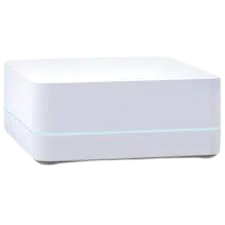
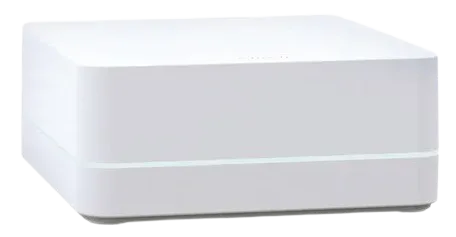
Lutron Smart Bridge (Original)
Bridges and Hubs · And More
Won’t be supportedVerified plugin
1 report: 1 says it can’t be supported.
Reported with 1 Homebridge plugin: Lutron Caseta.
What people report
| Plugin | Status | What they said | Connects | Source |
|---|---|---|---|---|
Lutron Caseta Verified@homebridge-plugins/homebridge-lutron | Won’t be supported | Original non-LEAP bridge not supportedSaved copyHere are some of the common problems you may experience with the plugin and how to resolve them. Cannot Pair With the Bridge Pairing happens in the plugin settings screen and needs a physical button press on the bridge: Make sure the bridge is a LEAP-capable model - the Caséta Smart Bridge 2 (`L-BDG2-WH`), Smart Bridge Pro (`L-BDGPRO2-WH`), or an RA2 Select main repeater. The original non-LEAP Smart Bridge is not supported. The bridge and Homebridge must be on the same network, and the bridge must be reachable (not blocked by a VLAN or firewall). When prompted, press the small black button on … Excerpt saved from GitHub on 2026-10-22. | Local | Wiki: Common Errors |
Each row is one report from a plugin’s GitHub issues, pull requests, discussions, wiki or docs, or from r/homebridge. Check the date and the linked thread before you buy.
In ReReHome
Once a Homebridge plugin publishes it, this device reaches Apple Home as a HomeKit accessory behind your Homebridge bridge, so ReReHome shows and controls it like any other.
Identifiers
| Brand | Lutron |
|---|---|
| Category | Bridges and Hubs |
Also reported as
- Lutron original Smart Bridge (non-LEAP)